
How To Guide
How to Add a Character to a Campaign
Got a character ready and a campaign to join? Here's how to link your character to a campaign so they can jump into the action. You can assign characters during creation or add them to a campaign later.
Option A
Assign During Character Creation
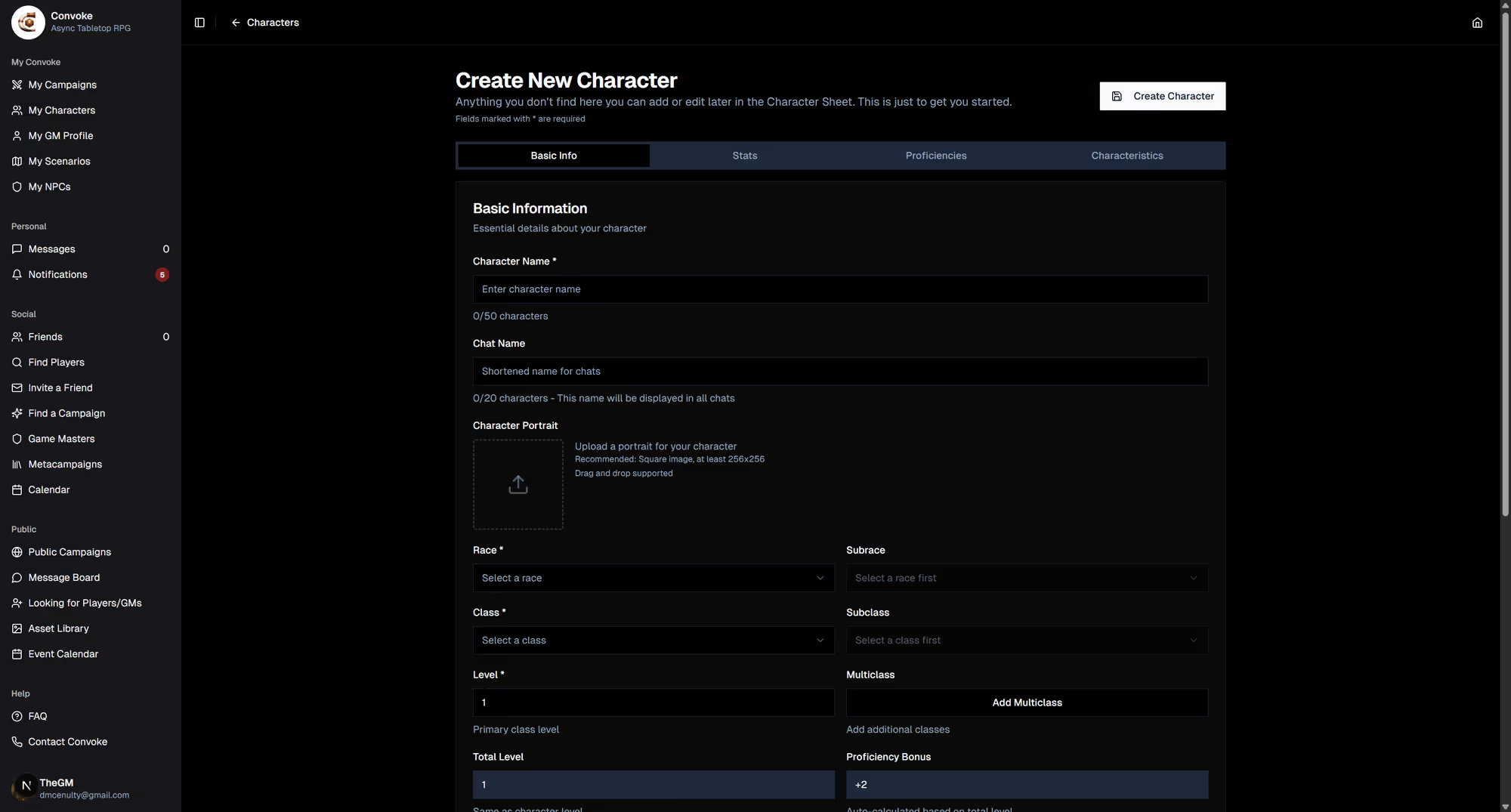
The easiest way is to assign your character when you first create them. On the Basic Info tab of the character creation form, scroll down to the Campaign section. You'll see radio buttons for all campaigns you're a member of — just select the one you want.
Option B
Assign from Your Characters List
Already have a character that isn't in a campaign? Go to My Characters and click the Manage character button (the three-dot menu) on any character card. From there, you can assign them to any campaign you belong to.

Good to Know
One Character Per Campaign
Each character can only be assigned to one campaign at a time. If your GM needs to assign your character for you, they can do it from the campaign's settings. Once assigned, your character will appear in the campaign's player list and be available for scenarios!