
How To Guide
How to Add Friends
Adventuring is always better with friends! Convoke makes it easy to find and connect with other players. Once you're friends, you can message each other directly, see each other's profiles, and stay connected across campaigns.
Step 1
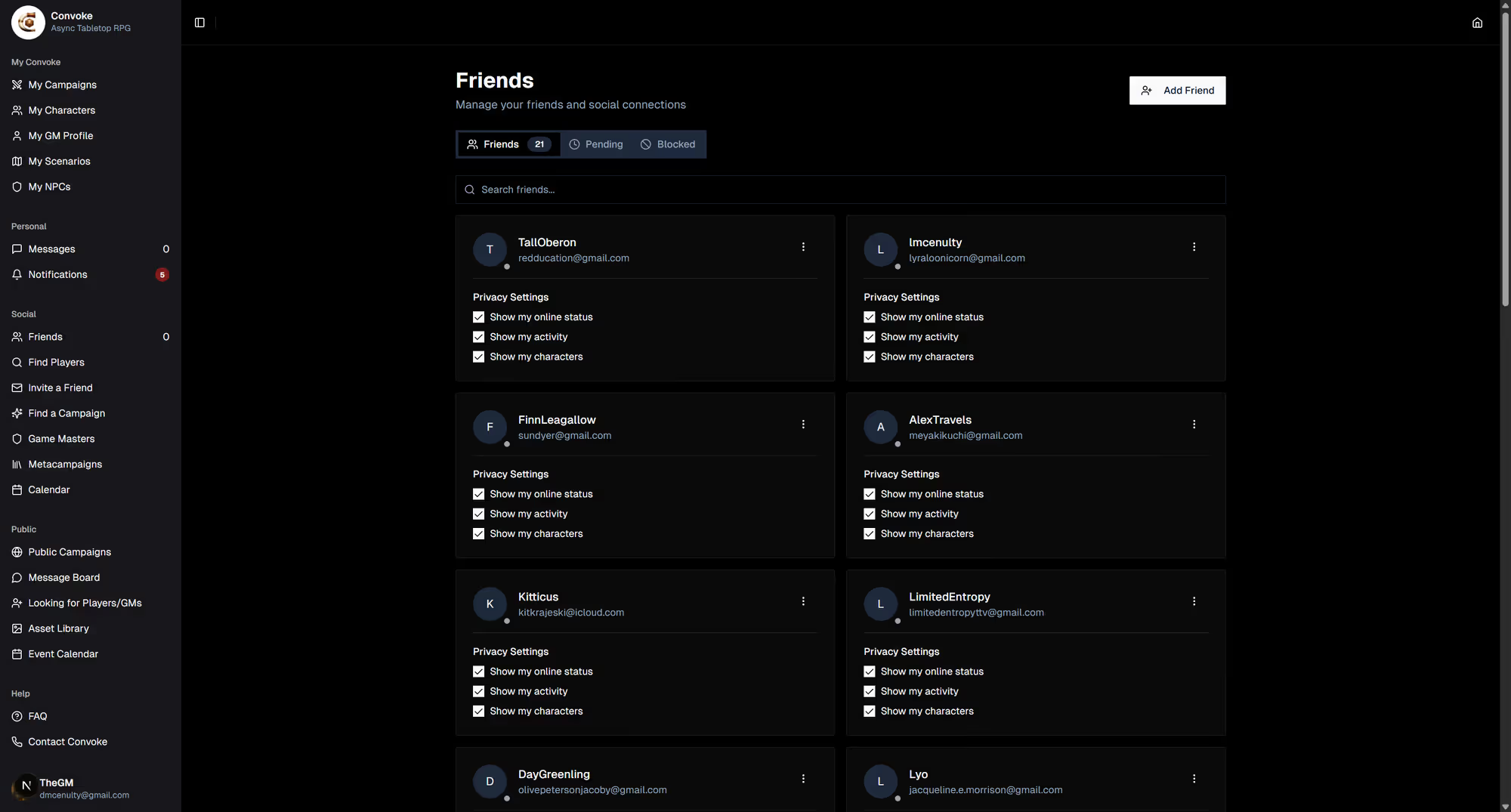
Open the Friends Page
In the sidebar, click Friends under the "Community" section. This shows your current friends list and any pending friend requests.
Step 2
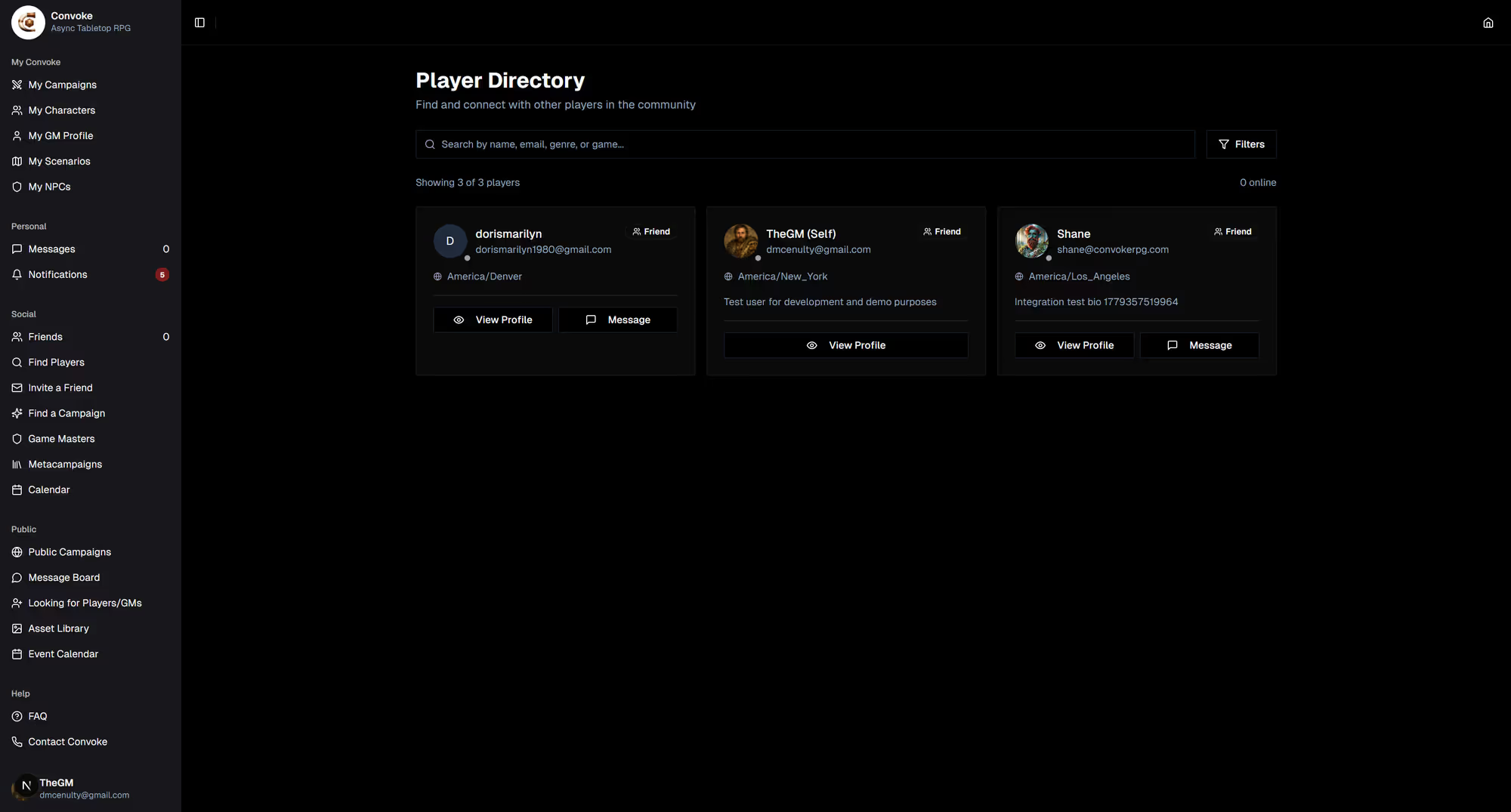
Find a Player
On the Friends page, use the search to find a member by their username. You can also send a friend request from anywhere you meet other players — a profile, a campaign roster, or the Looking for Group hub — and they'll get a request to accept.
Step 3
Send a Friend Request
When you find someone you'd like to connect with, click the Add Friend button on their profile. They'll receive a notification with your request. Once they accept, you'll both appear in each other's friends list and can start messaging!