How To Guide
How to Create a Campaign
Ready to run your own adventure? Creating a campaign in Convoke sets up your world — complete with a home page, chat, maps, lore, calendar, and everything you need to tell an epic story with your players.
Step 1
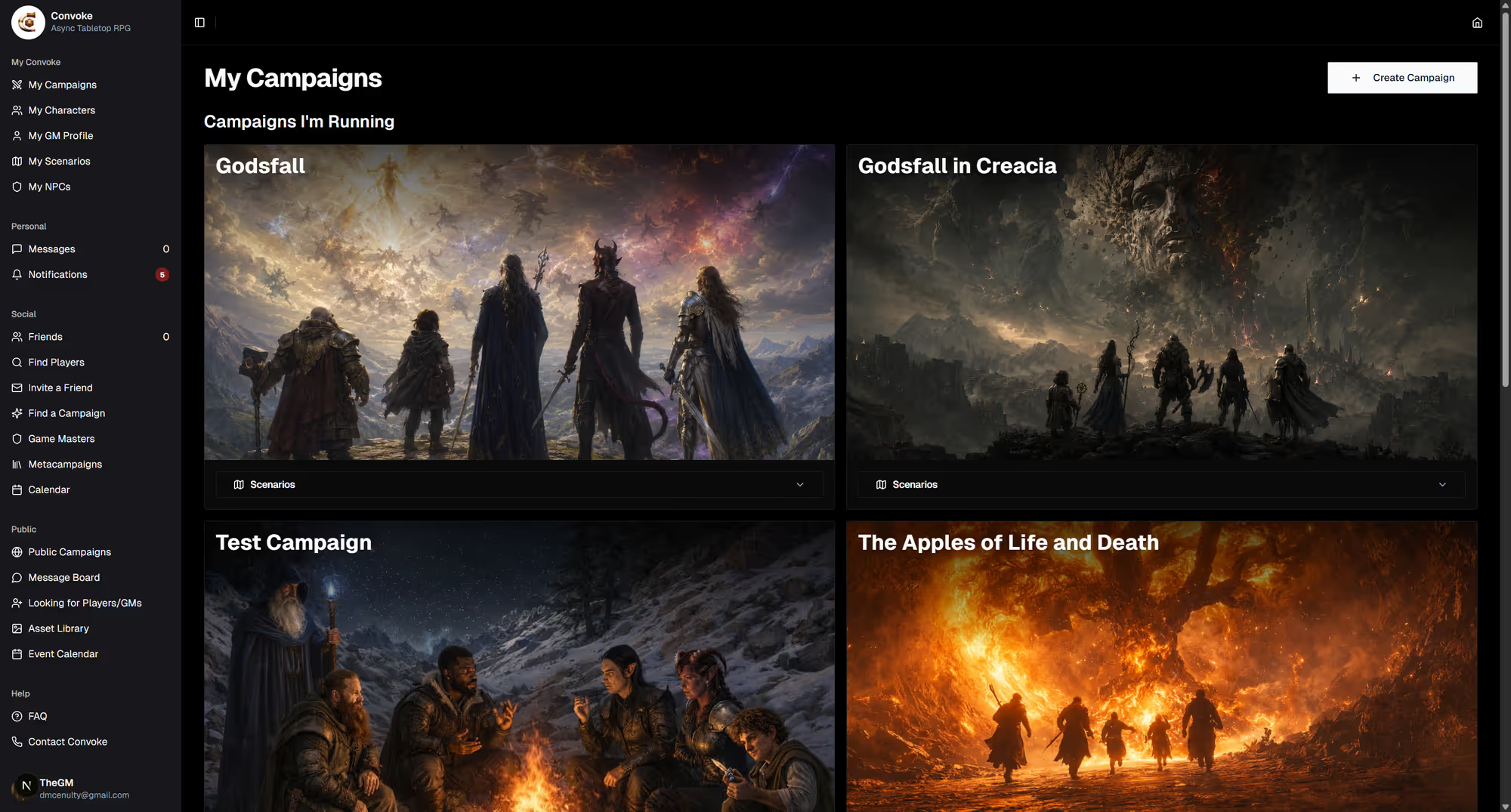
Click Create Campaign
From the My Campaigns dashboard, click the Create Campaign button at the top. This opens the campaign creation form where you'll set up all the basics.
Step 2
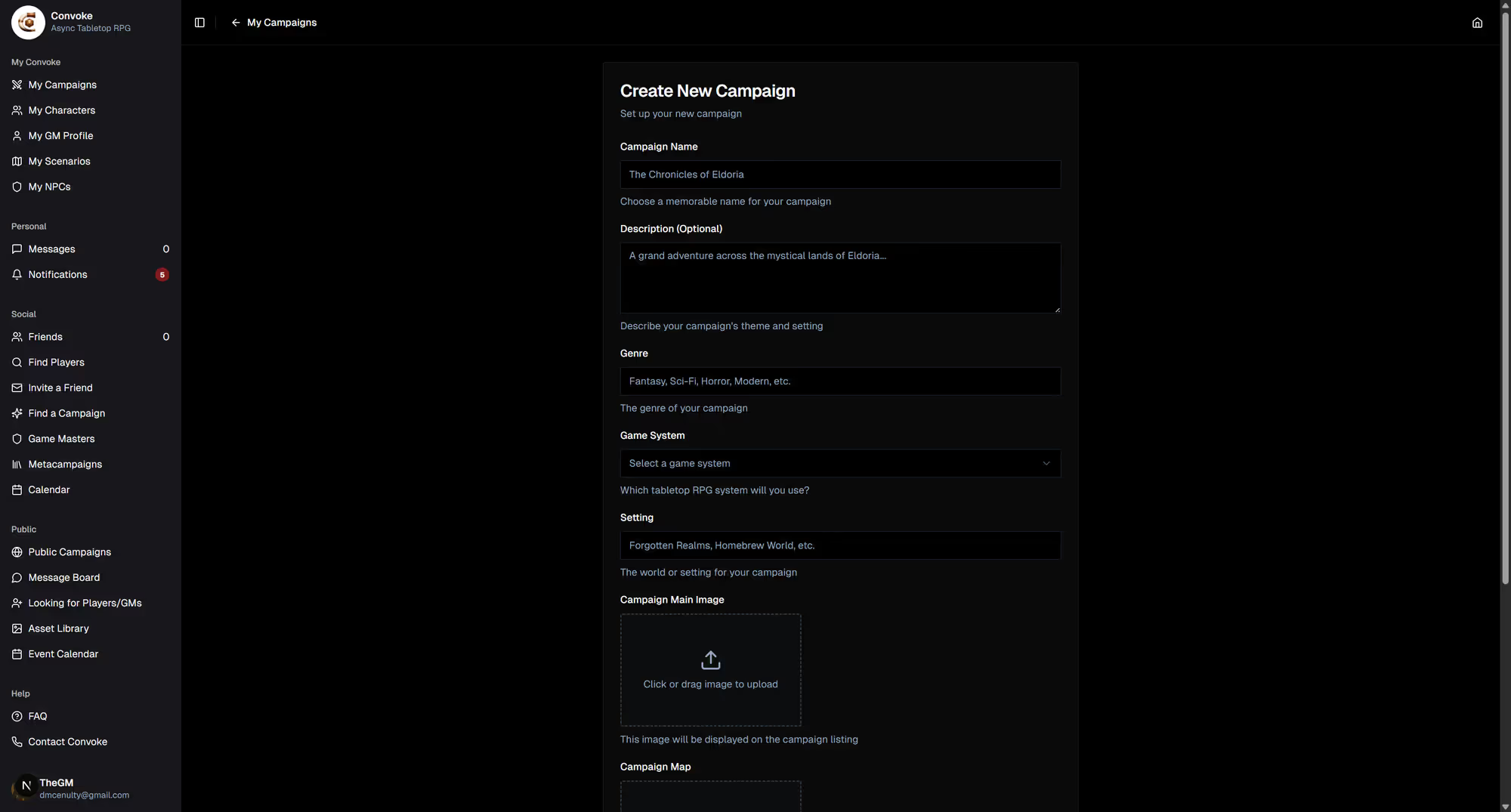
Set Up Your Campaign
Give your campaign a name, add a description to set the scene, and upload a cover image. Choose your play style (Play-by-Post, VTT, Hybrid, or Traditional Tabletop), and decide whether to list it in Looking for Group so players can find it and request to join.
Step 3
Explore Your Campaign Home
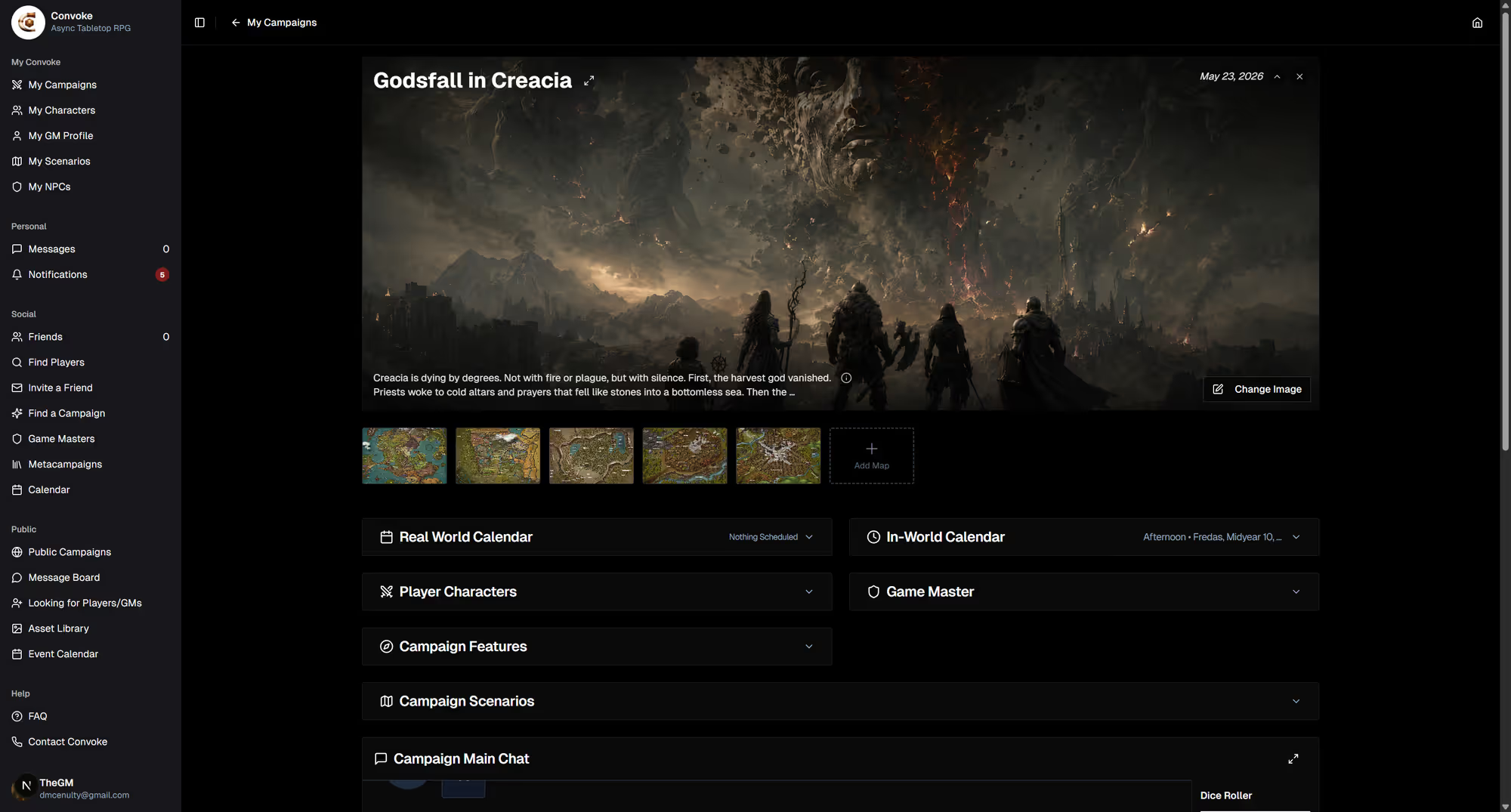
Once created, your campaign home page is your command center. You'll see the main chat, campaign maps, player characters, the in-world calendar, scenarios, lore entries, and more. Invite players, create scenarios, and start your adventure!