How To Guide
How to Create a Character
Ready to bring your hero to life? Creating a character in Convoke is quick and fun — you'll pick your race, class, stats, and backstory, and you can always tweak things later on your character sheet. Let's walk through it!
Step 1
Navigate to My Characters
From the sidebar, click My Characters under the "My Convoke" section. This shows all your existing characters. To start a new one, click the Create Character button at the top of the page.

Step 2
Fill in Basic Info
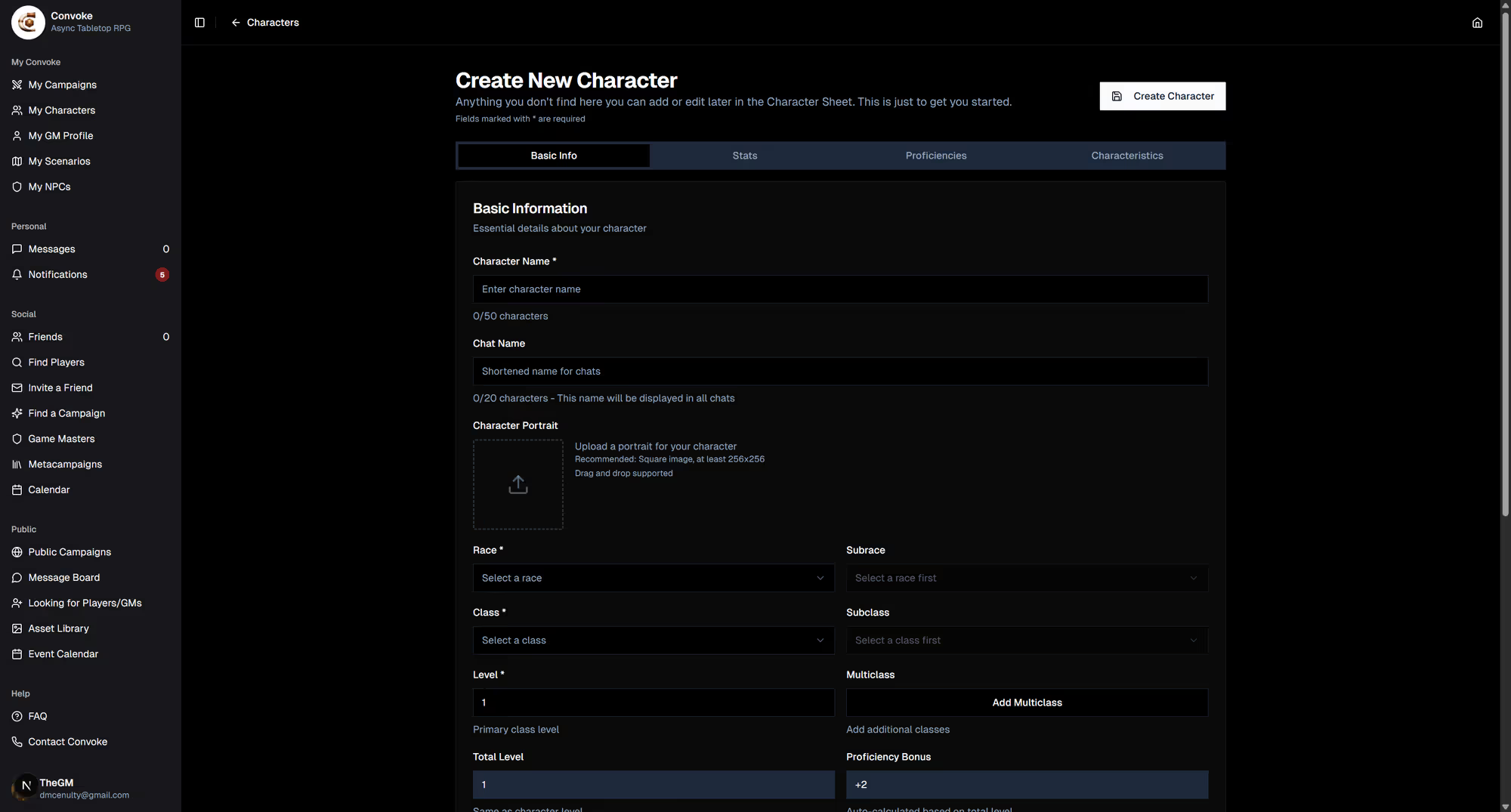
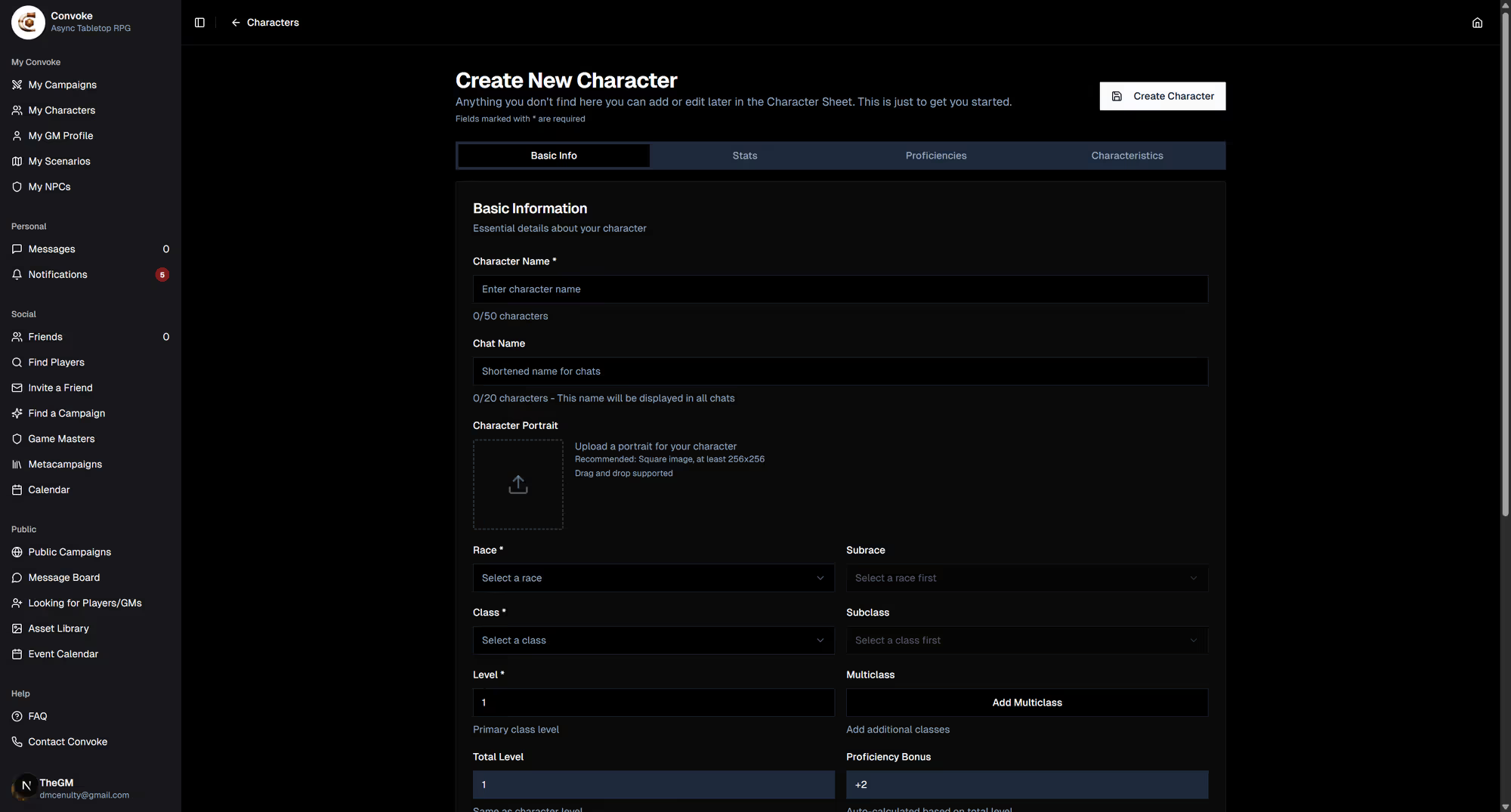
The character creation form starts on the Basic Info tab. Fill in your character's name, upload a portrait, then select your race, class, and subclass from the dropdown menus. Set your level, choose a background, and pick an alignment. You can also optionally assign the character to a campaign right away.
Step 3
Set Your Stats
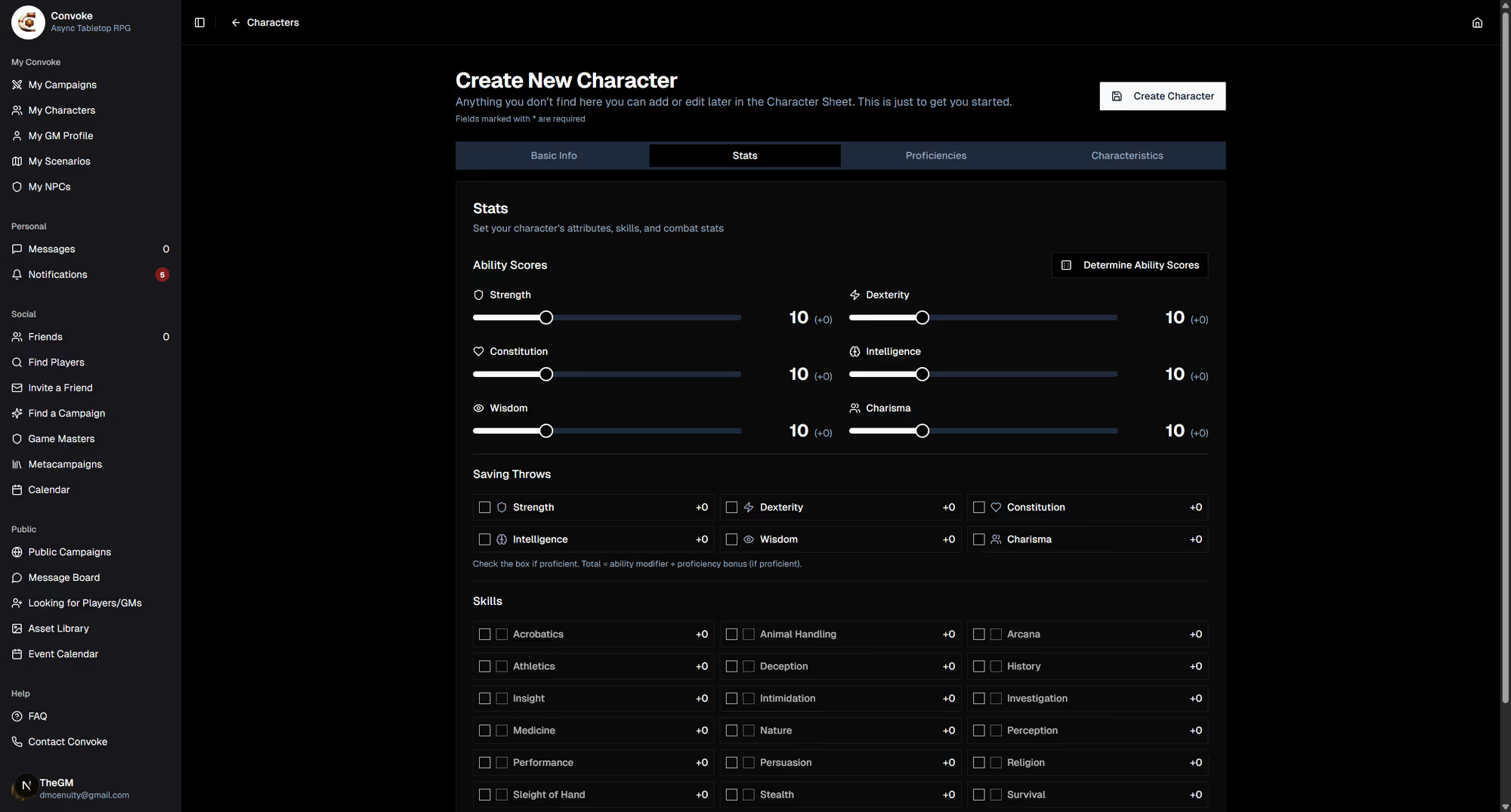
Click the Stats tab to set your ability scores using the sliders (Strength, Dexterity, Constitution, Intelligence, Wisdom, Charisma). Check the boxes for your saving throw proficiencies, and mark your skill proficiencies and expertise. Hit points are auto-calculated based on your class and level.
Step 4
Add Proficiencies & Characteristics
Switch to the Proficiencies tab to add your language, armor, weapon, and tool proficiencies. Then head to the Characteristics tab to write your personality traits, ideals, bonds, flaws, and backstory. These help bring your character to life in play-by-post scenes!
Step 5
Create Your Character
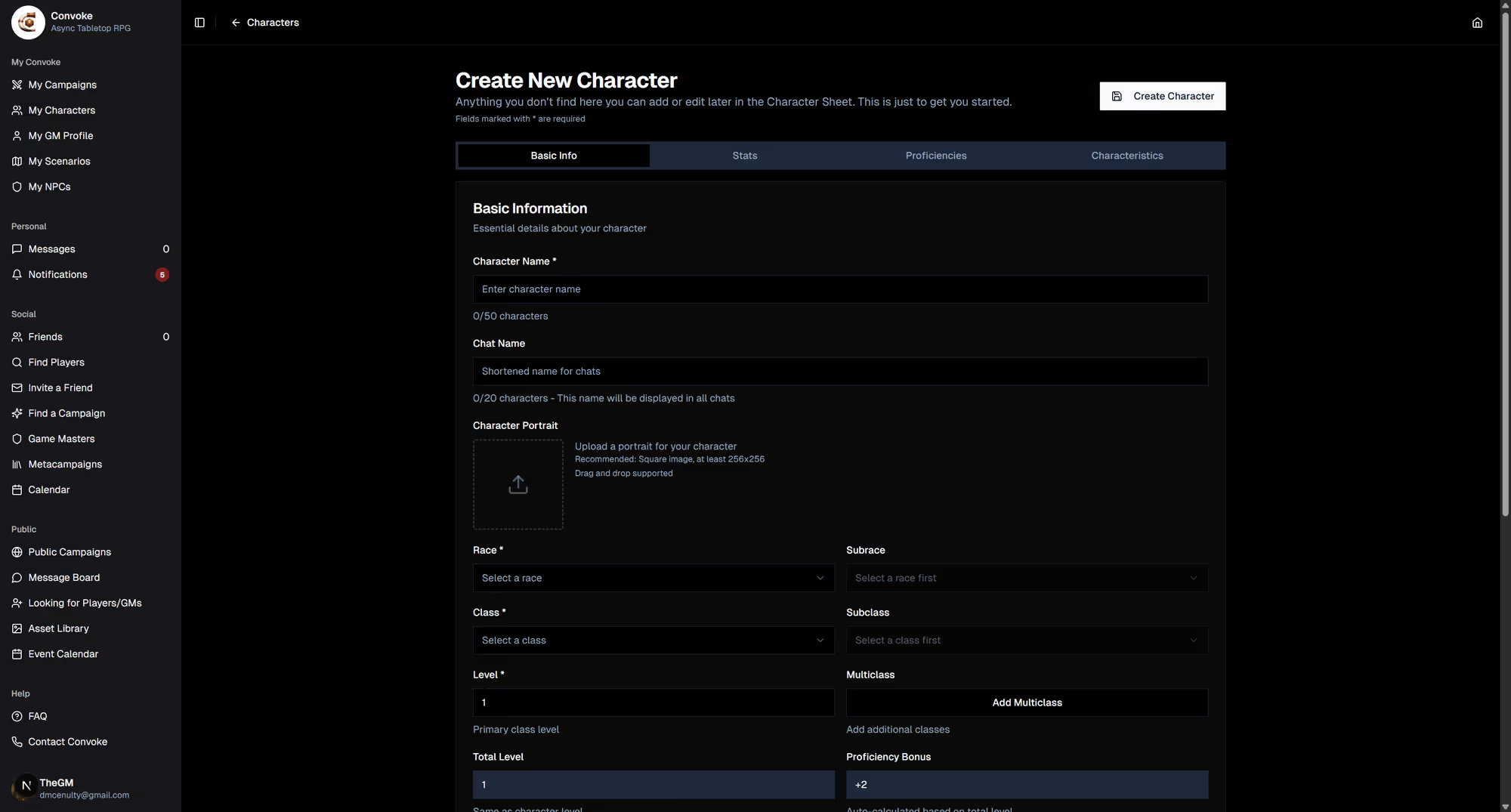
Once you're happy with everything, hit the Create Character button at the top. Your character will appear in your My Characters list. Don't worry if you missed something — you can edit everything later from the character sheet. Now go forth and adventure!