How To Guide
How to Create a Scenario
Scenarios are the adventures within your campaign — they're reusable story templates that you can play across multiple campaigns. Think of them as your GM library of quests, encounters, and story arcs.
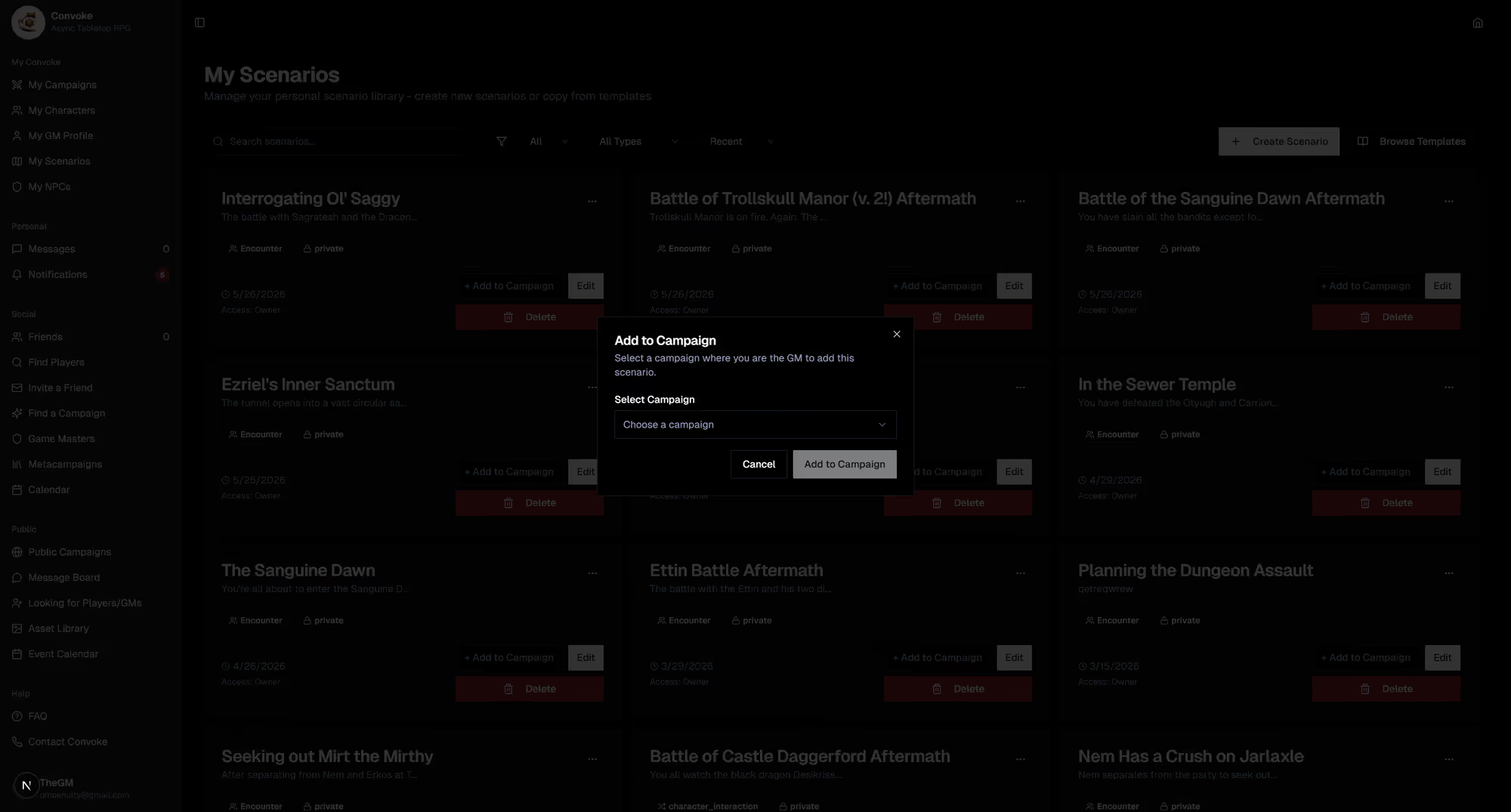
Step 1
Open My Scenarios
Click My Scenarios in the sidebar under "My Convoke." This is your personal GM library where all your scenario templates live. Click Create Scenario to start building a new one.
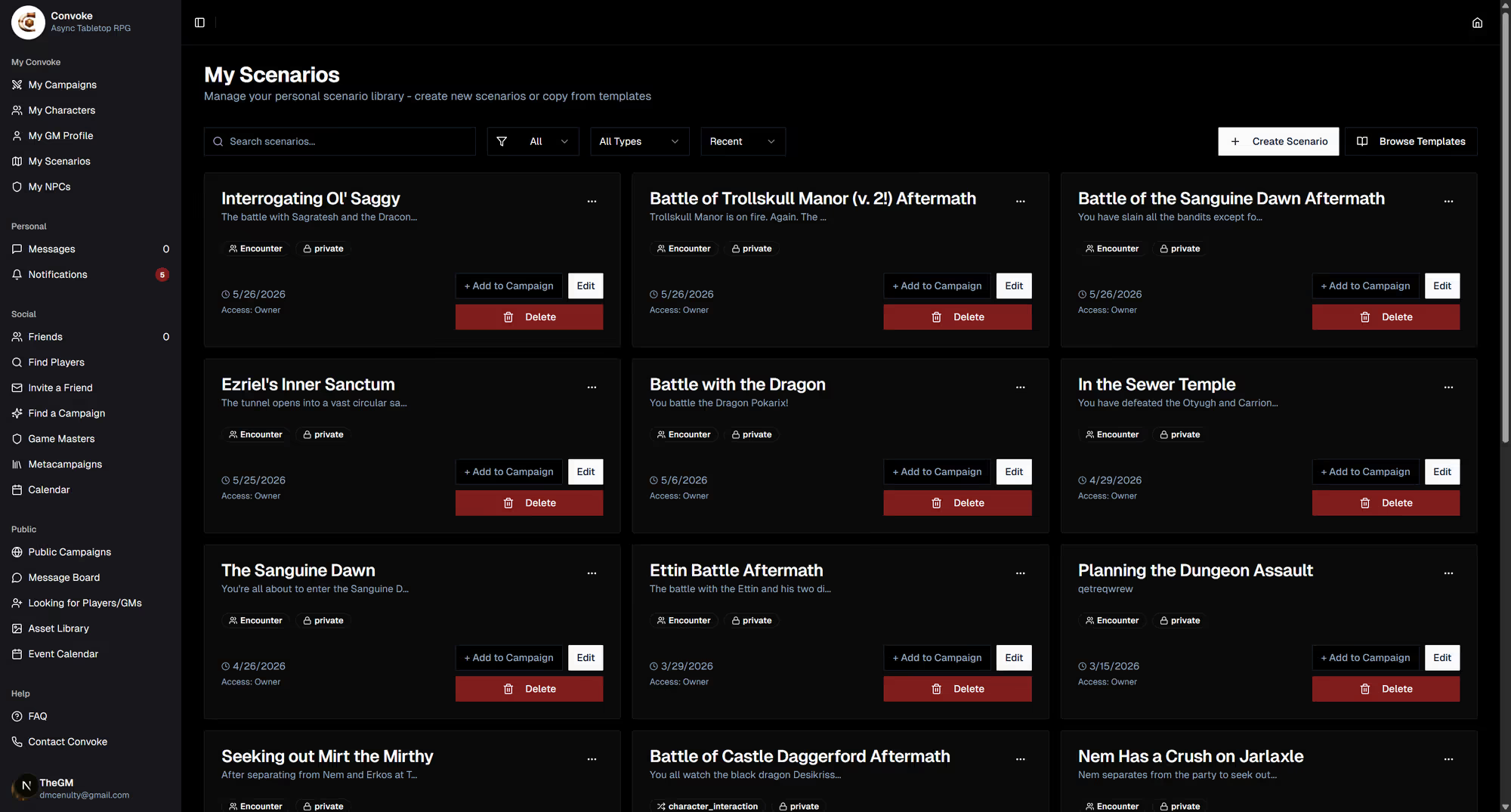
Step 2
Build Your Scenario
Give your scenario a title and description. Add the adventure details, key NPCs, encounters, and any notes you'll need to run it. Scenarios are templates — they exist independently of any campaign, so you can reuse them.
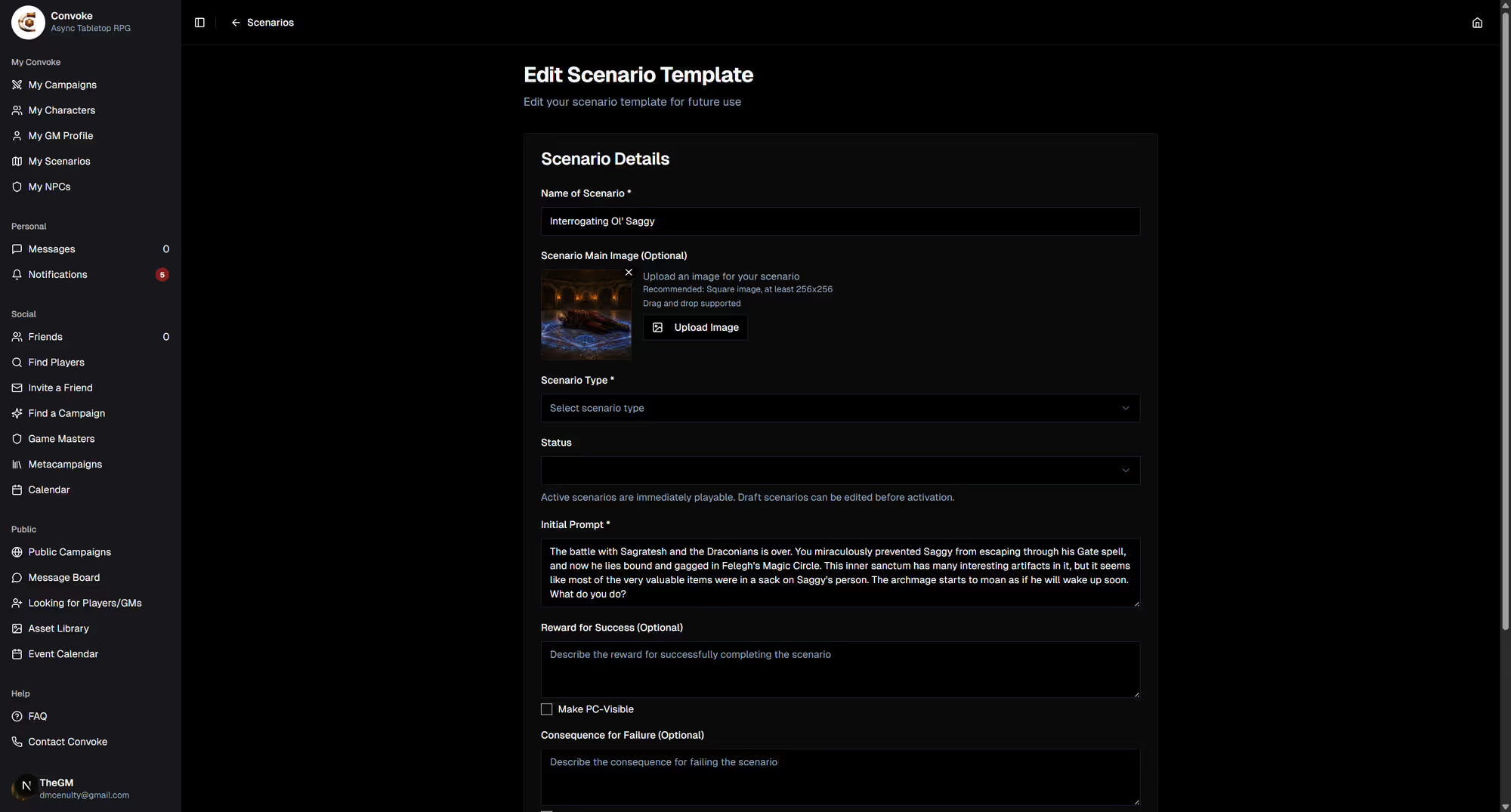
Step 3
Add to a Campaign
To run a scenario, go to your campaign and add it from the Campaign Scenarios section. This creates an instance of the scenario within that campaign, with its own chat and progress tracking. Players can interact with the scenario while you guide the story.