How To Guide
How to Create & Manage NPCs
NPCs bring your world to life! Whether it's a mysterious tavern keeper, a scheming villain, or a loyal ally, Convoke lets you create and organize your non-player characters with portraits, stats, and personality details that make them memorable.
Step 1
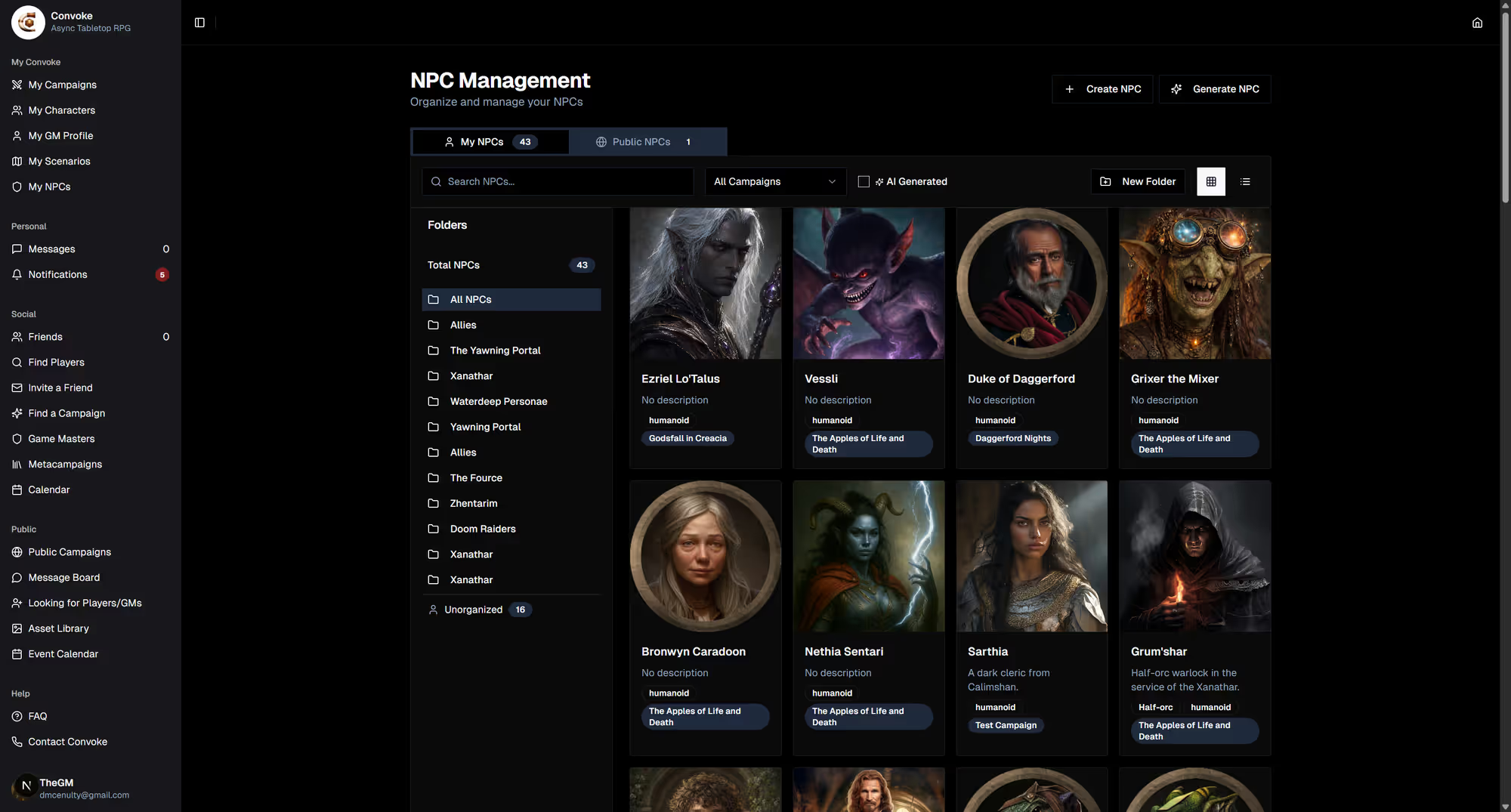
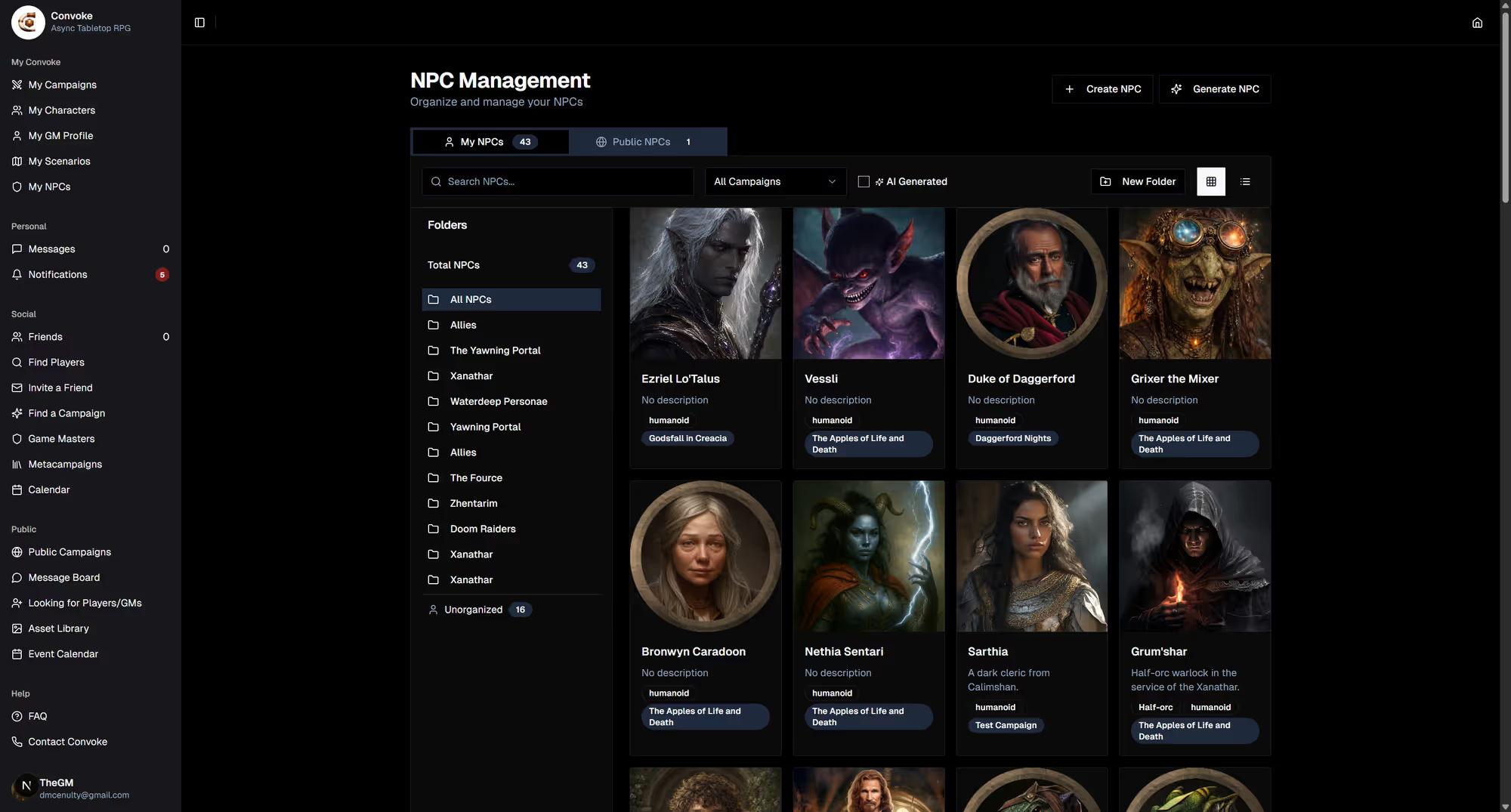
Open My NPCs
Click My NPCs in the sidebar under "My Convoke." This is your NPC library where you can organize characters into folders. Click Create NPC to add a new non-player character.
Step 2
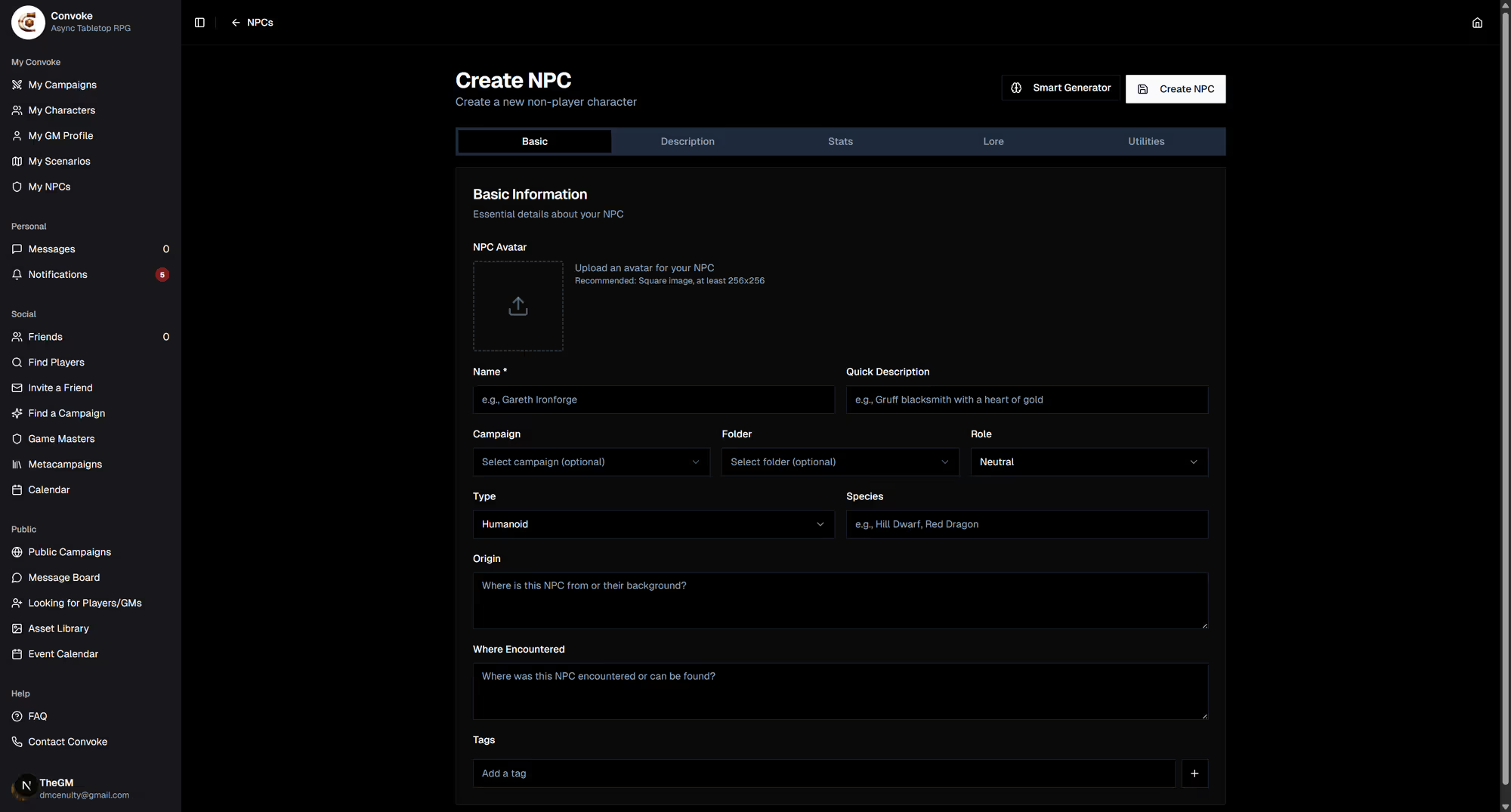
Build Your NPC
Give your NPC a name, upload a portrait, and fill in their details — personality, appearance, motivations, and any stat blocks they might need. You can assign NPCs to specific campaigns so they appear in the campaign's NPC panel for easy reference during play.
Step 3
Organize with Folders
Use NPC folders to keep things organized — group them by campaign, location, faction, or however you like. Your NPCs will also appear in the campaign page's Non-Player Characters section, making it easy to reference them mid-game and even speak as them in chat!