How To Guide
How to Find & Join a Game
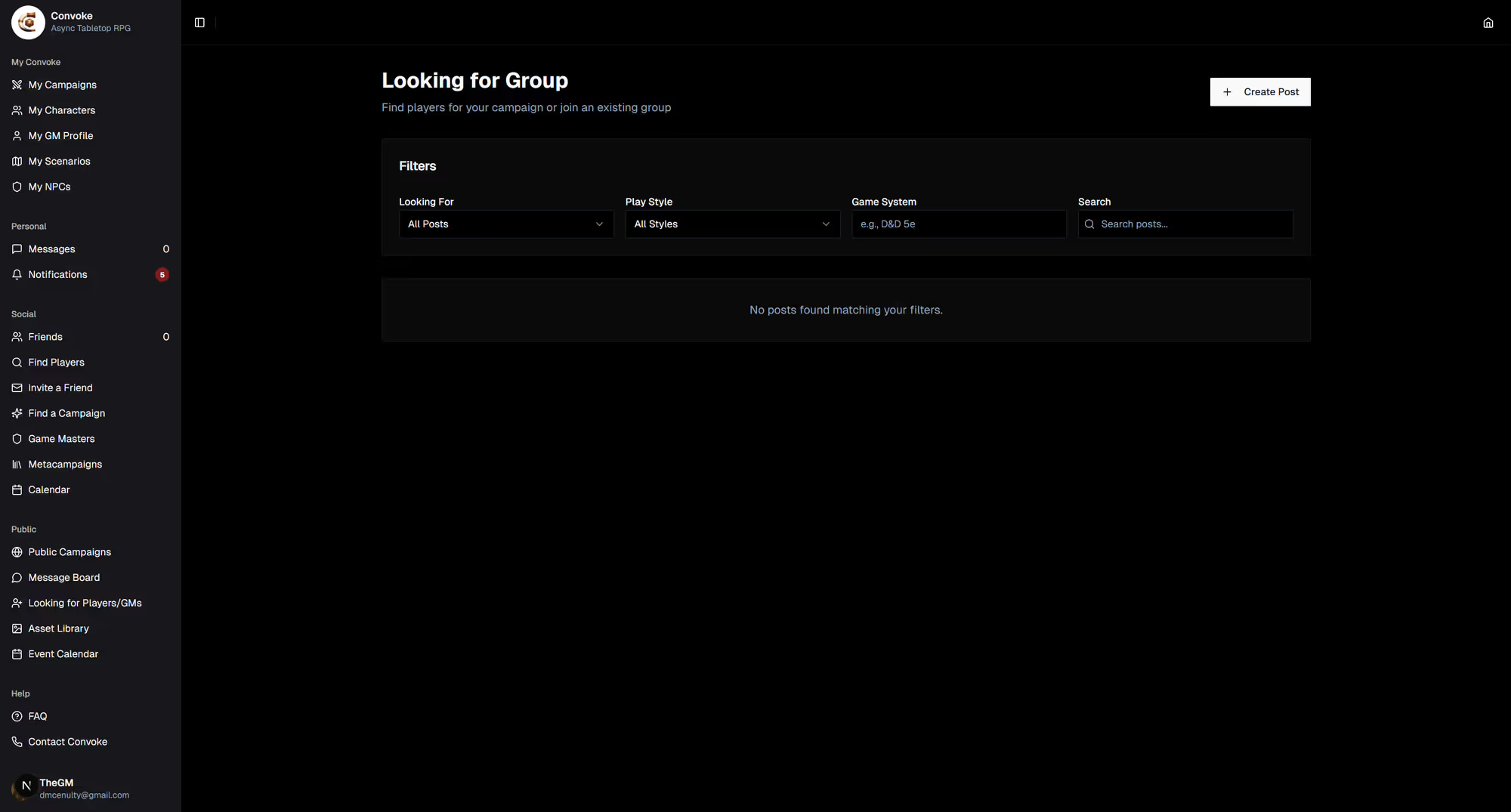
Everything for finding your next table lives in one place: Looking for Group. Browse campaigns that are recruiting, discover Game Masters open to new players, or post what you’re after — then apply to join or hop in with an invite code.
Find a Game
Browse Games Recruiting
Open Looking for Group in the sidebar and stay on the Find a Game tab. Campaigns with open seats list themselves automatically — you’ll see the system, play style, schedule, and how many spots are left. Alongside them are member posts: interest checks, players looking to play, and groups seeking a GM.
Find a GM
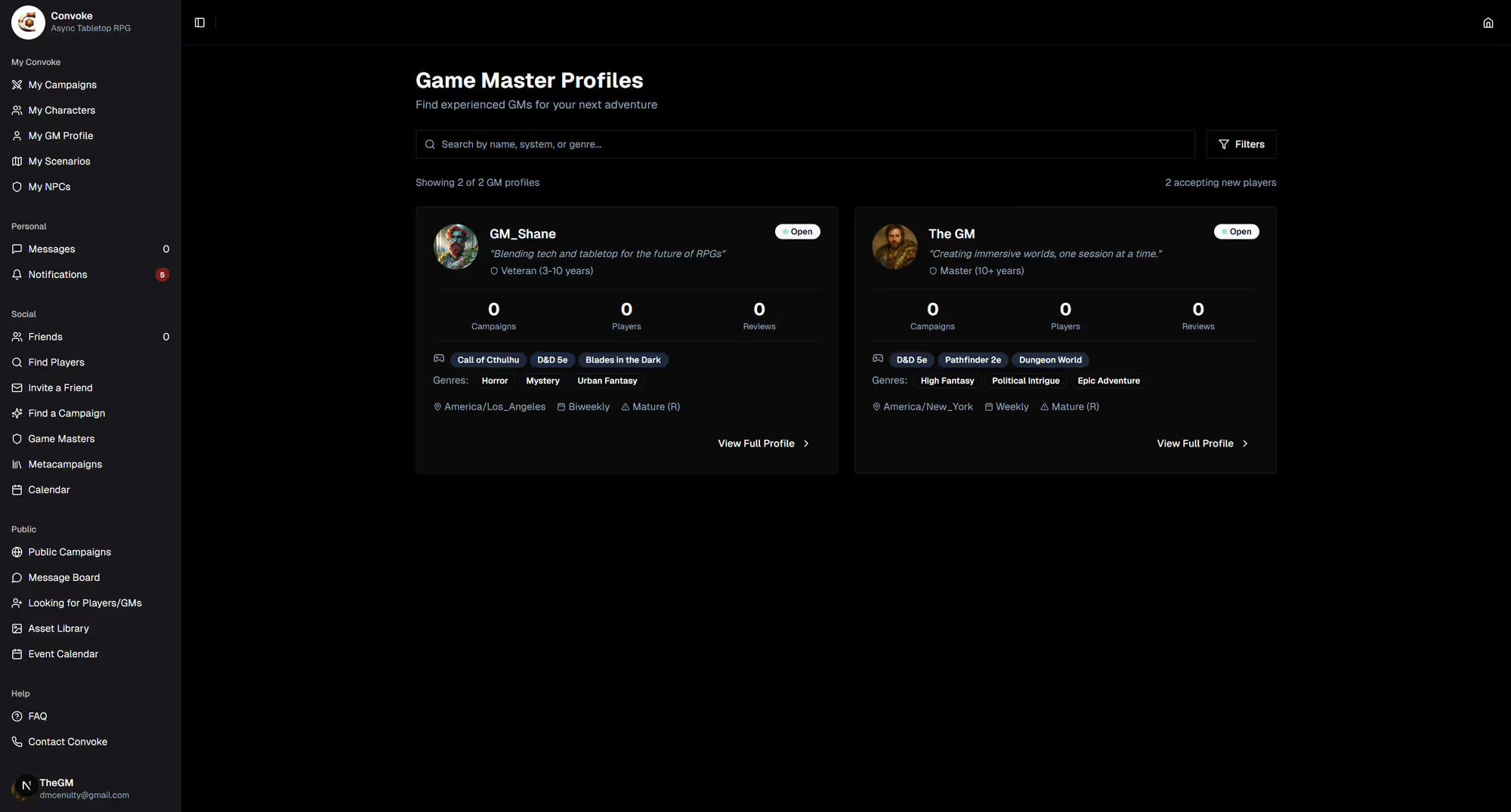
Browse Game Masters
Switch to the Find a GM tab to browse Game Master profiles — their style, experience, the systems they run, and reviews from their players. Find someone whose approach matches yours and apply to join one of their games.
Join
Apply, or Use an Invite Code
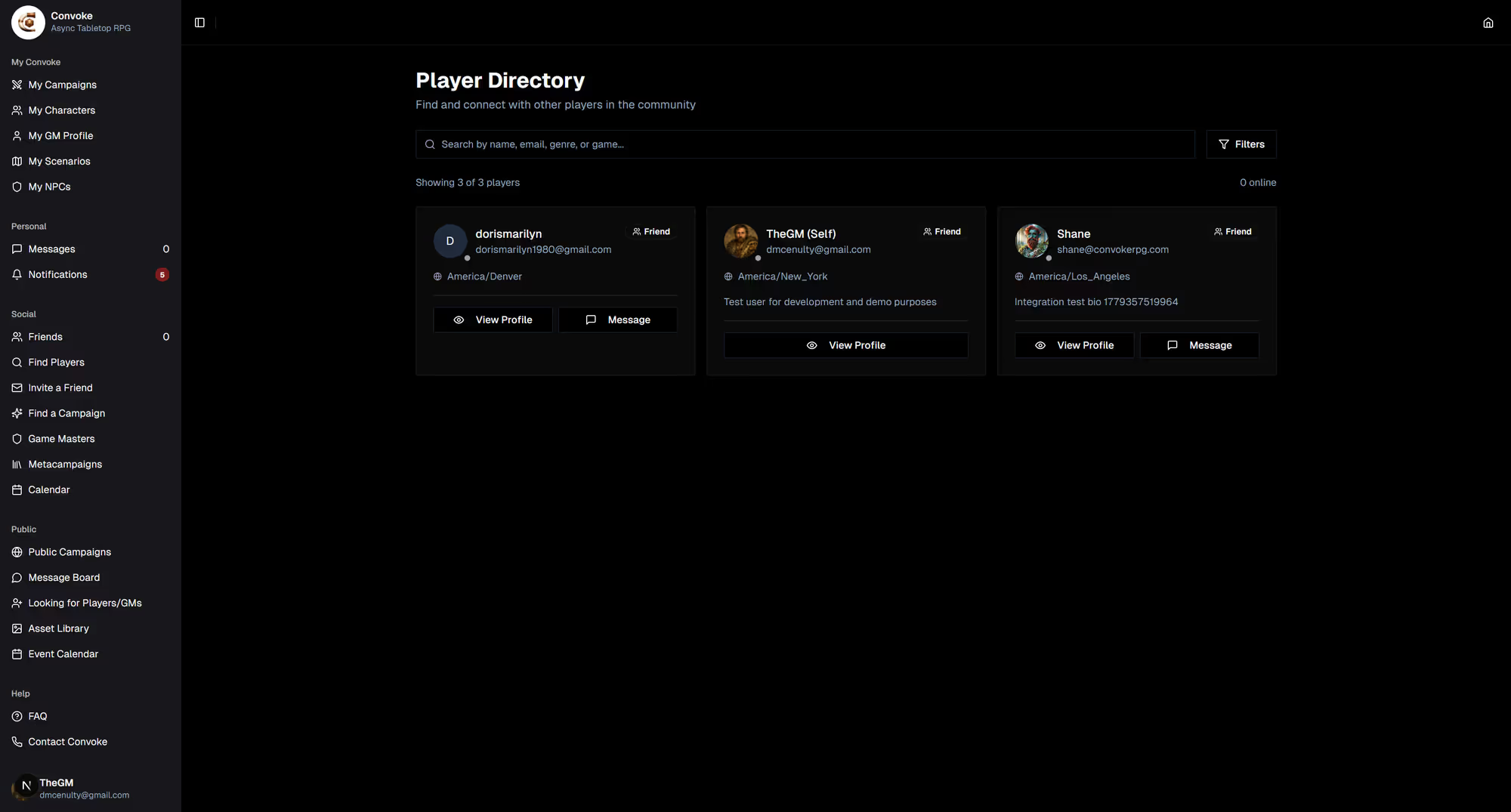
Found a game you like? Apply to join with a short intro message — the GM is notified and can accept you, and you’ll hear back either way. Already have an invite code from a GM or friend? Enter it from the Looking for Group hub to jump straight in, no application needed.