How To Guide
How to Manage Your Calendar
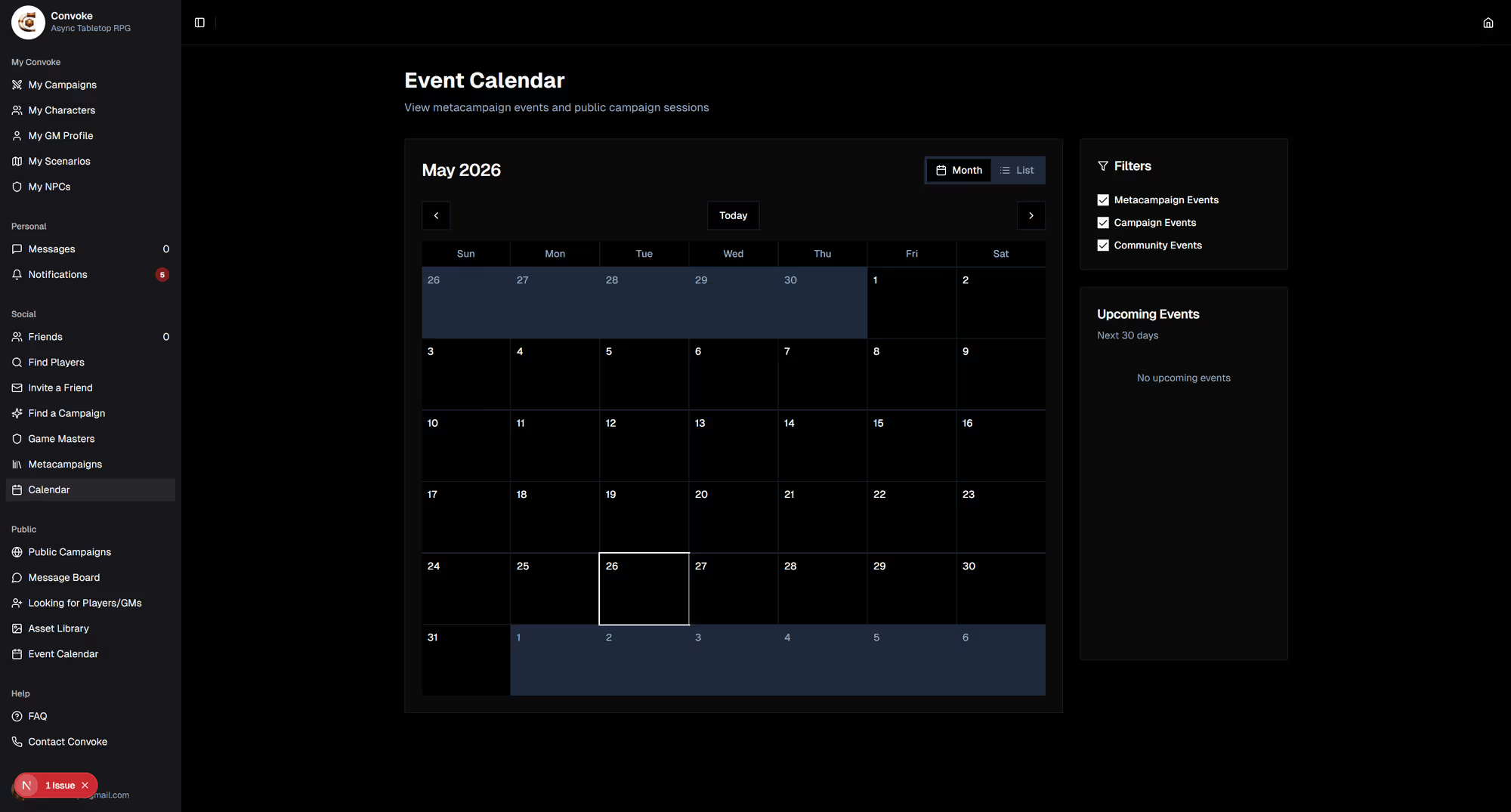
Convoke's calendar helps you coordinate real-world sessions with your group. Schedule live sessions, set reminders, and make sure everyone's on the same page about when the next adventure happens.
Step 1
Open the Calendar
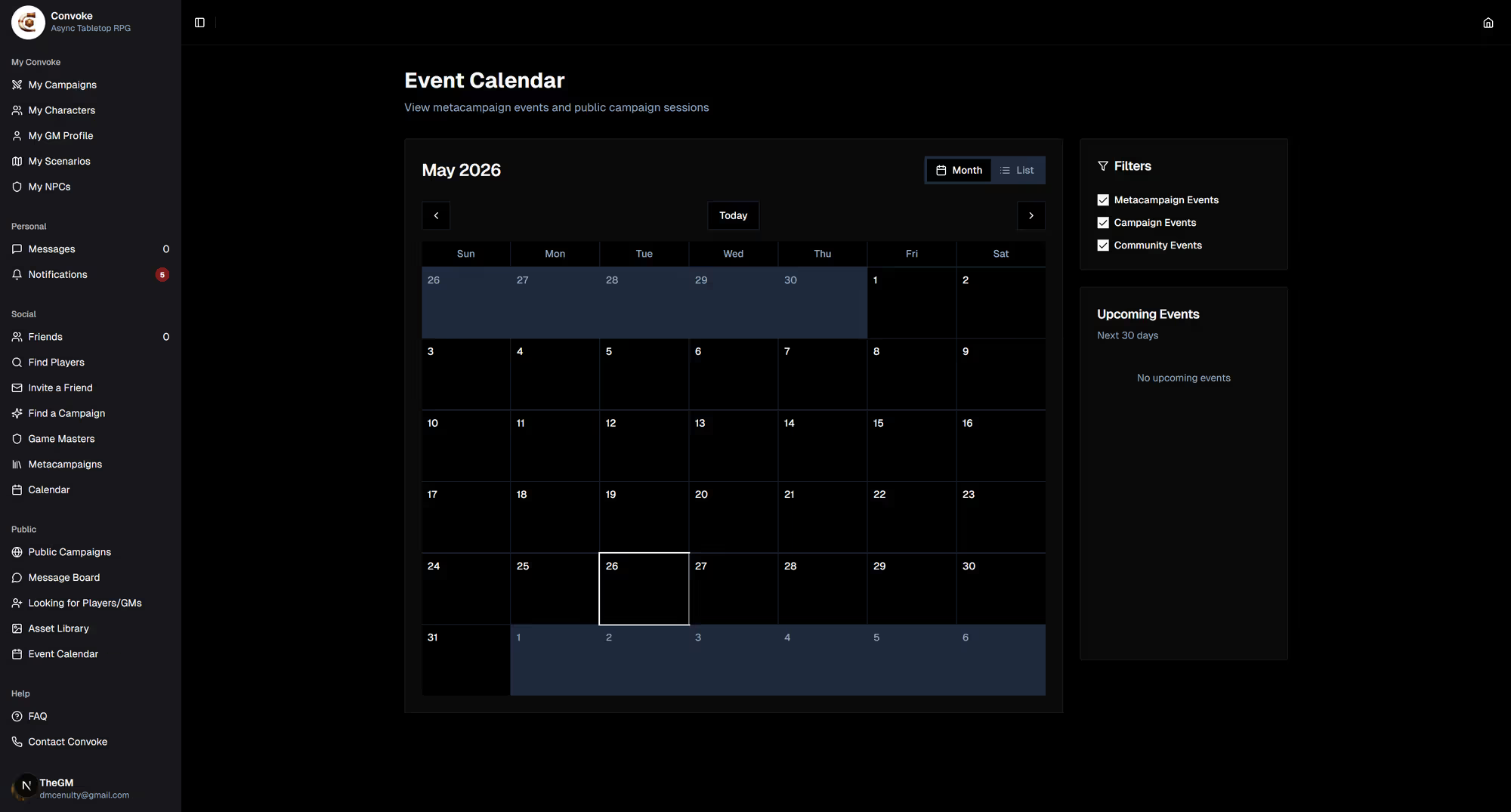
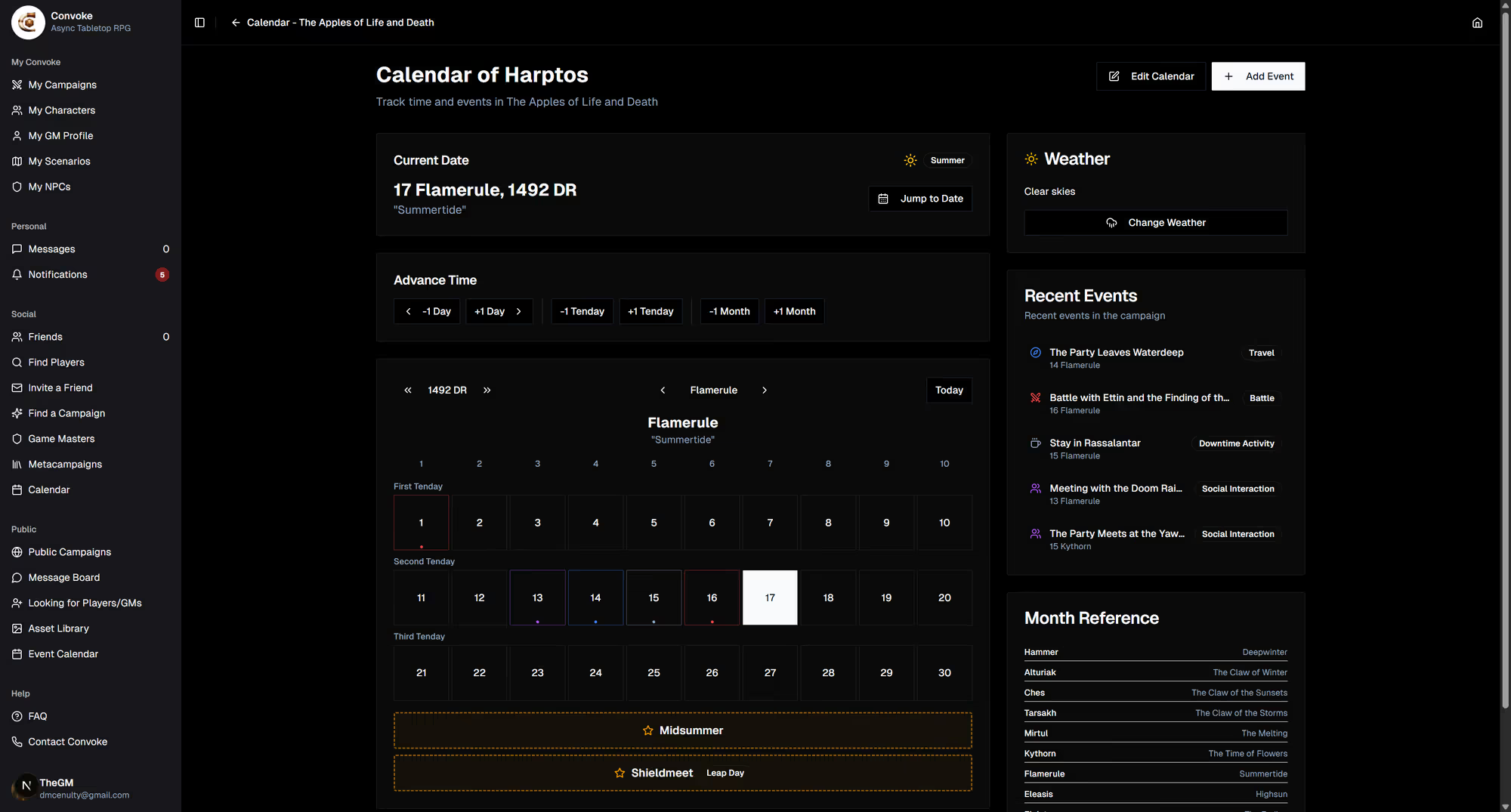
Open a campaign and head to its Calendar to see everything scheduled there, or use the Real World Calendar on the campaign home to plan your next live session. Each campaign keeps its sessions and in-world dates in one place.
Step 2
Schedule Live Sessions
As a GM, you can schedule live sessions using the Blast the Horn feature from within your campaign. Set a date and time, add a description, and all campaign members will be notified. Players can RSVP to let you know they'll be there.
Step 3
Stay on Top of Events
The calendar view shows all upcoming sessions across all your campaigns. You'll also see events on the campaign home page in the Real World Calendar section. Notifications will remind you when a session is coming up so you never miss a game night!