How To Guide
How to Manage Your Character Sheet
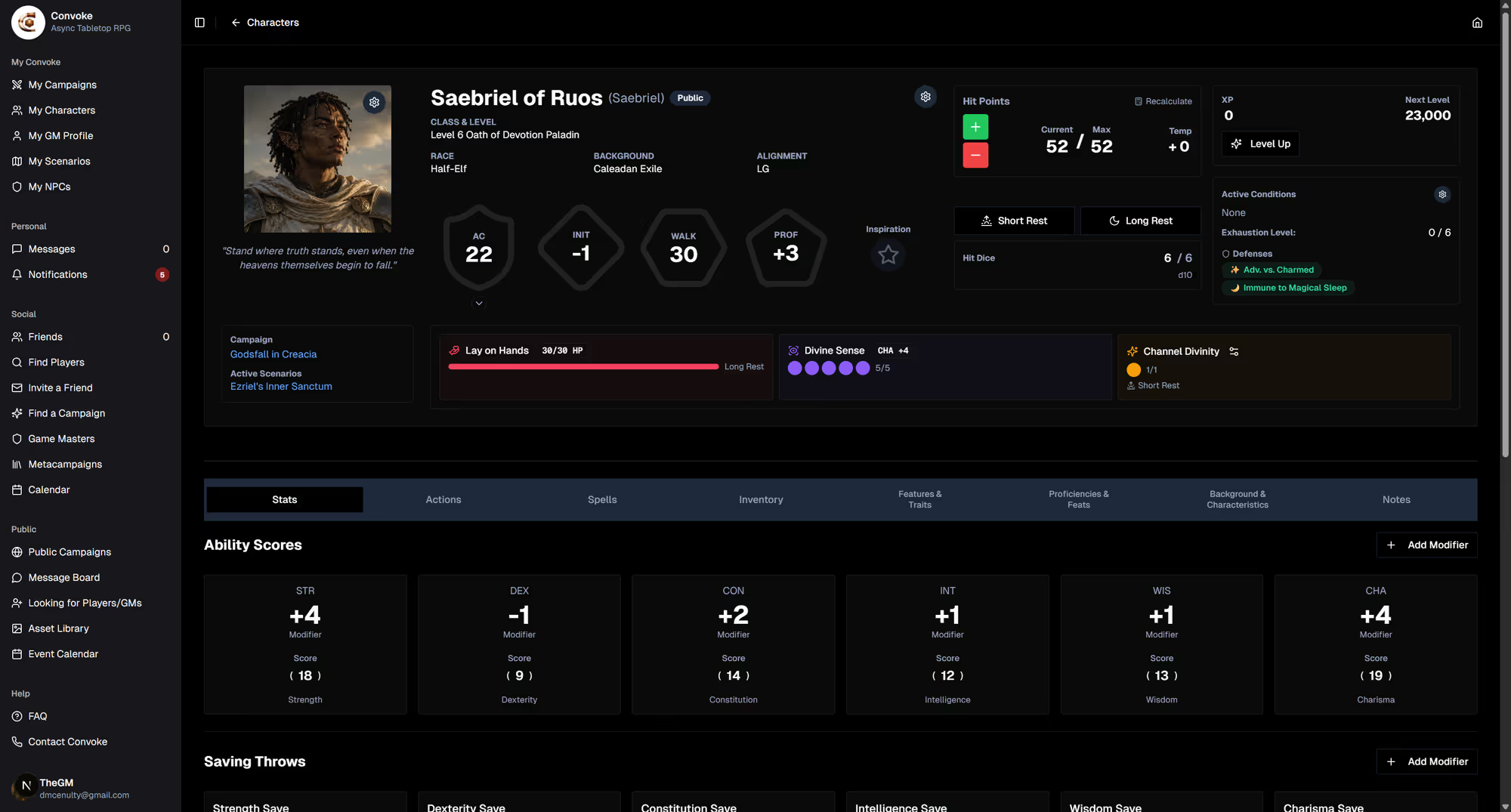
Your character sheet is the heart of your adventurer — it tracks everything from hit points and spell slots to inventory and backstory. Convoke's digital character sheet updates in real time and keeps everything organized so you can focus on the story.
Step 1
Open Your Character Sheet
Navigate to My Characters and click View Character on any character card. This opens the full character sheet with tabs for different sections of your character's information.
Step 2
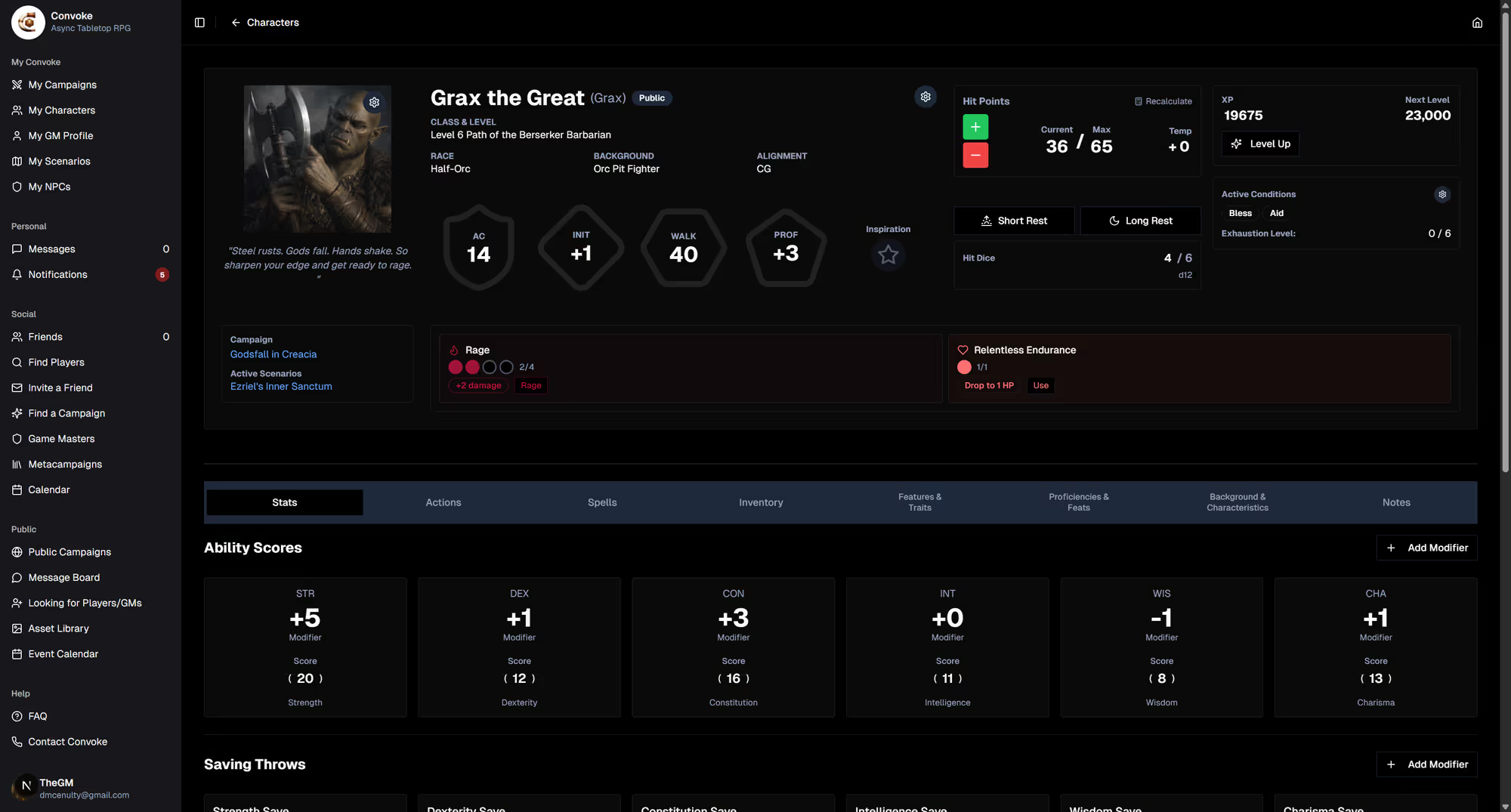
Explore the Character Sheet Tabs
Your character sheet is organized into tabs for easy navigation. You'll find sections for your core stats, abilities, spells, inventory, features, and more. Each tab is fully editable — click on any field to update it. Changes are saved automatically.
Step 3
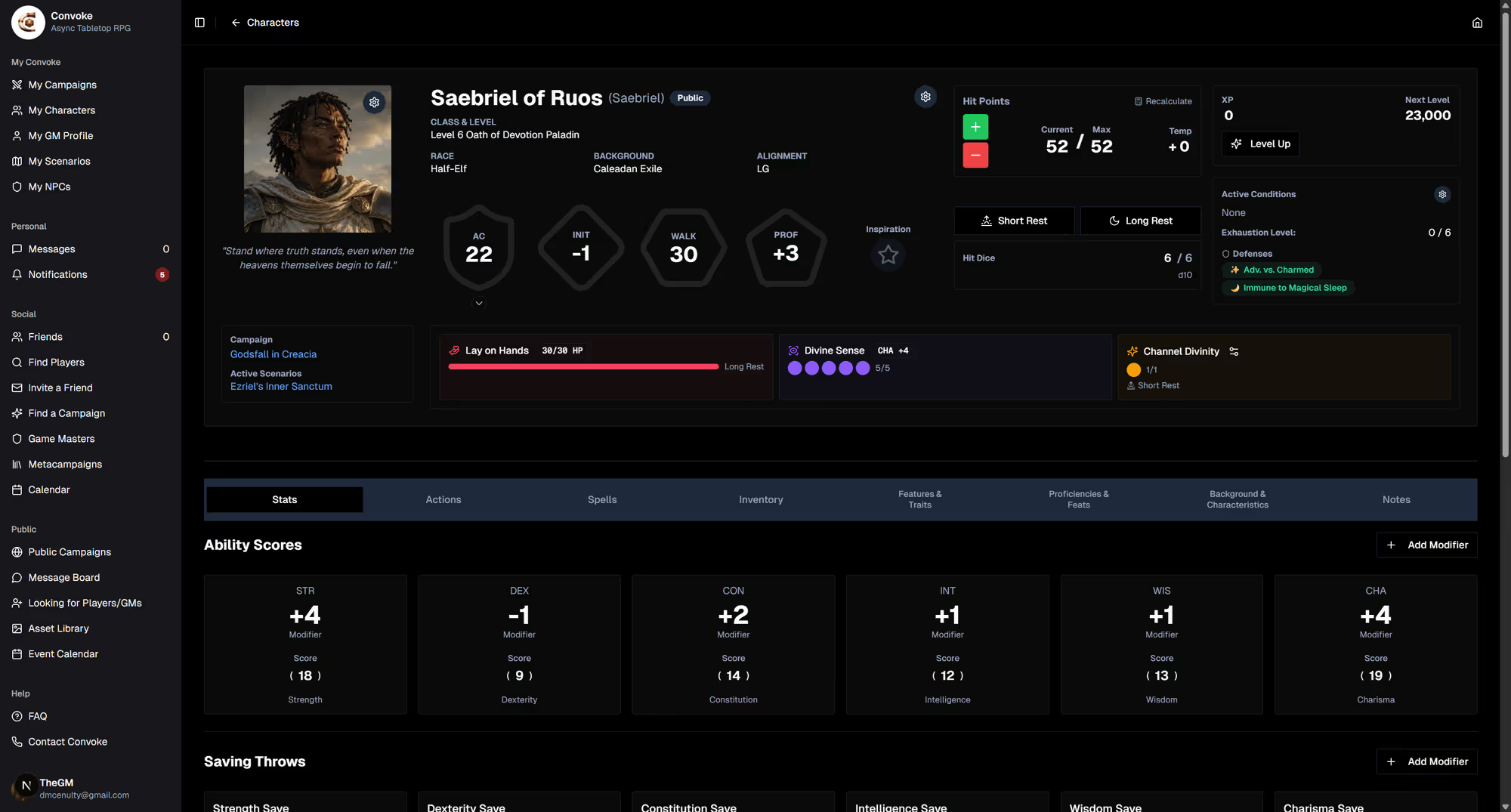
Track Resources & Rest
During adventures, use the character sheet to track hit points, spell slots, class features, and other resources. The rest system lets you take short rests, long rests, or dawn/dusk rests to recover resources — just like at the table. Everything updates automatically based on your class and level.