How To Guide
How to Manage Your Game Master Profile
Your GM Profile is your calling card as a Game Master. It tells potential players about your style, experience, and what kind of games you run. A well-crafted GM profile helps attract the right players to your campaigns.
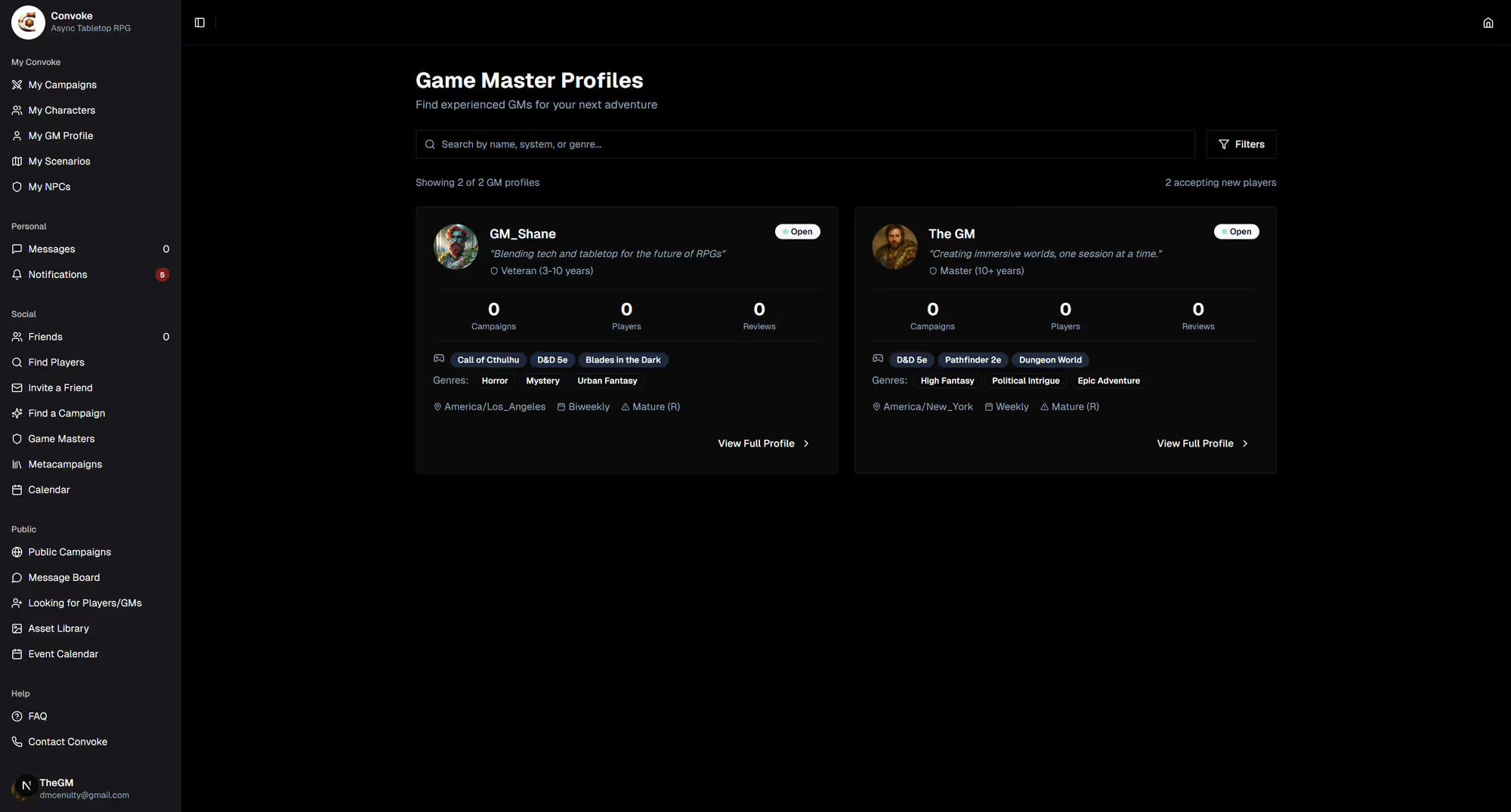
Step 1
Access Your GM Profile
Open your profile and choose My GM Profile, or head to Looking for Group in the sidebar and open the Find a GM tab. If you haven't created a profile yet, you'll be prompted to set one up. Once published, it appears in the GM directory for players browsing Looking for Group.
Step 2
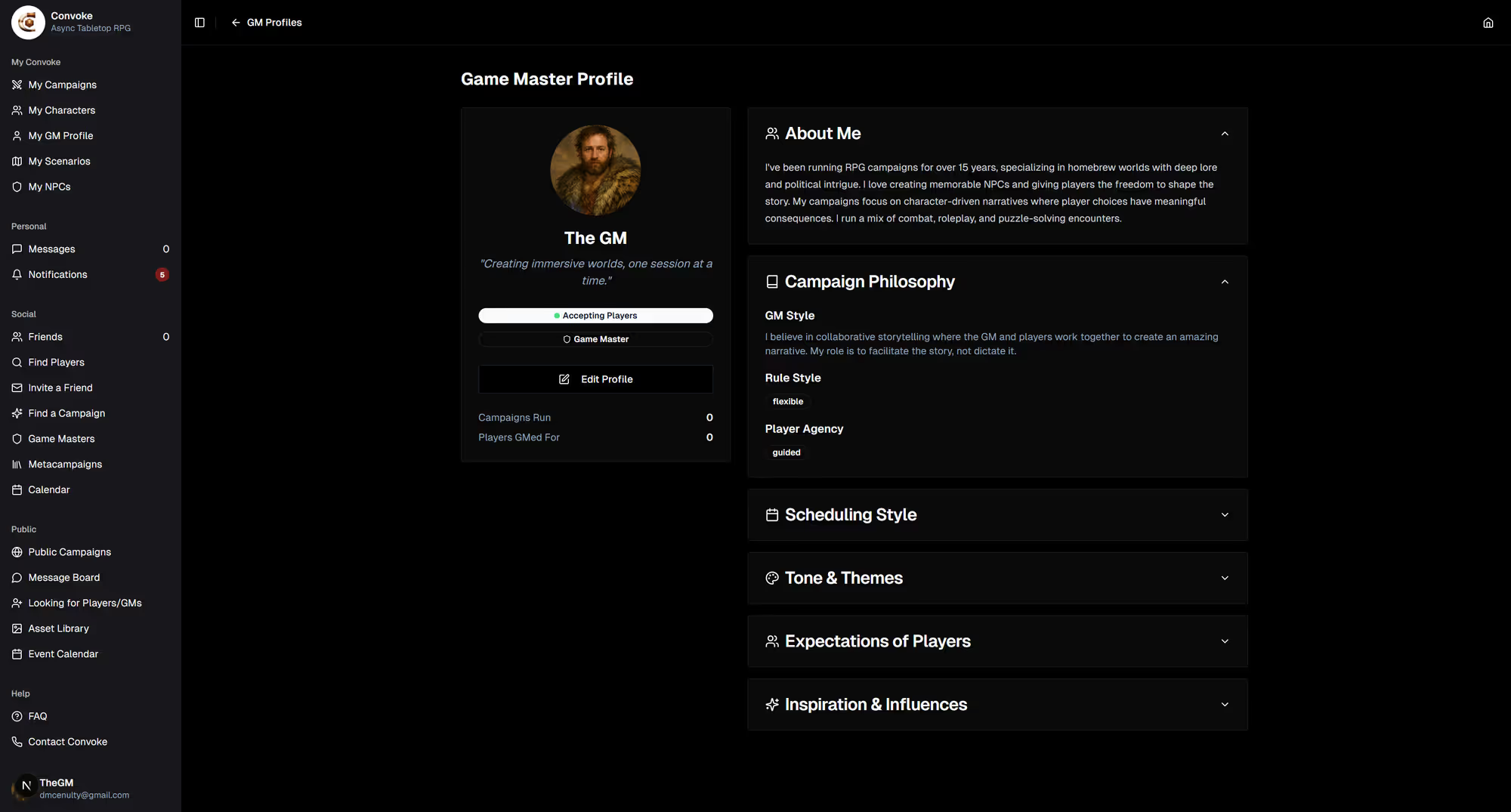
Customize Your Profile
Add your GM philosophy, preferred play styles, experience level, and what genres or settings you enjoy running. Share your approach to storytelling, whether you prefer combat-heavy dungeons, narrative-driven roleplay, or a mix of both. This helps players find GMs who match their style.
Step 3
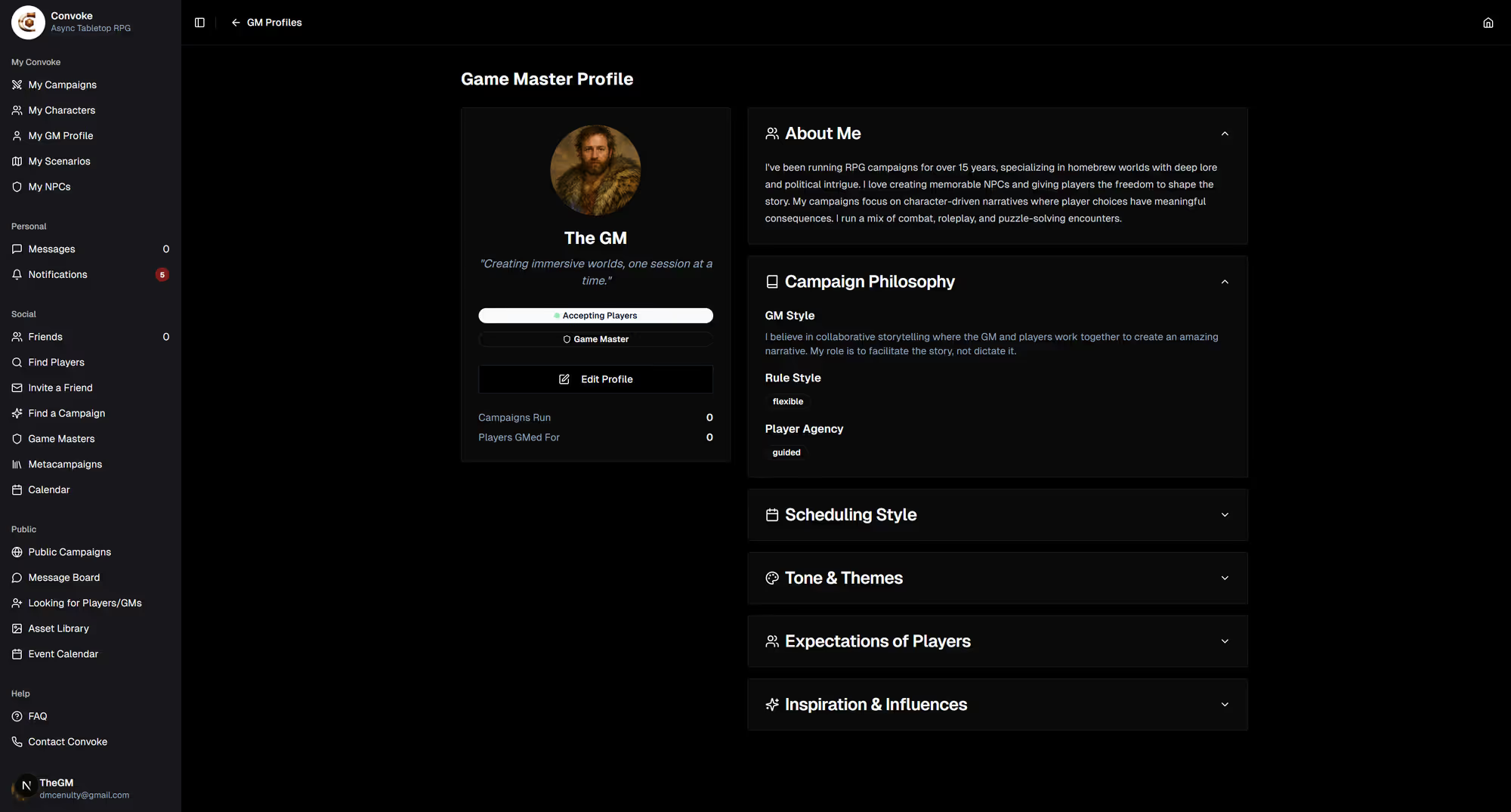
Browse Other Game Masters
Open Looking for Group in the sidebar under "Community" and switch to the Find a GM tab to browse other Game Masters. Check out their profiles, see what they run, and apply to join one of their games.