How To Guide
How to Play a Scenario
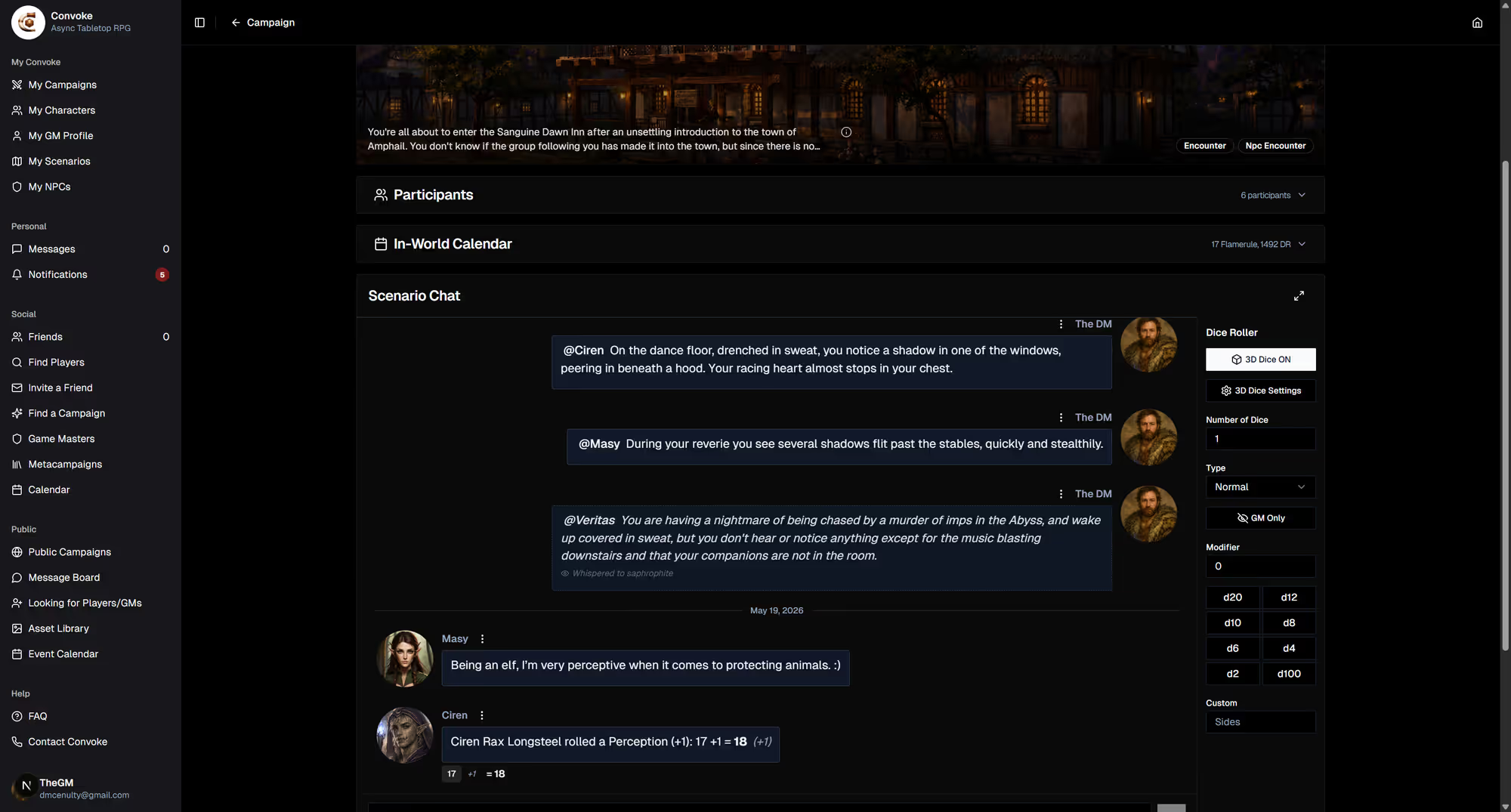
Scenarios are where the adventure unfolds! Whether your GM has crafted a dungeon crawl, a diplomatic encounter, or an epic boss fight, here's how to dive in and play your part in the story.
Step 1
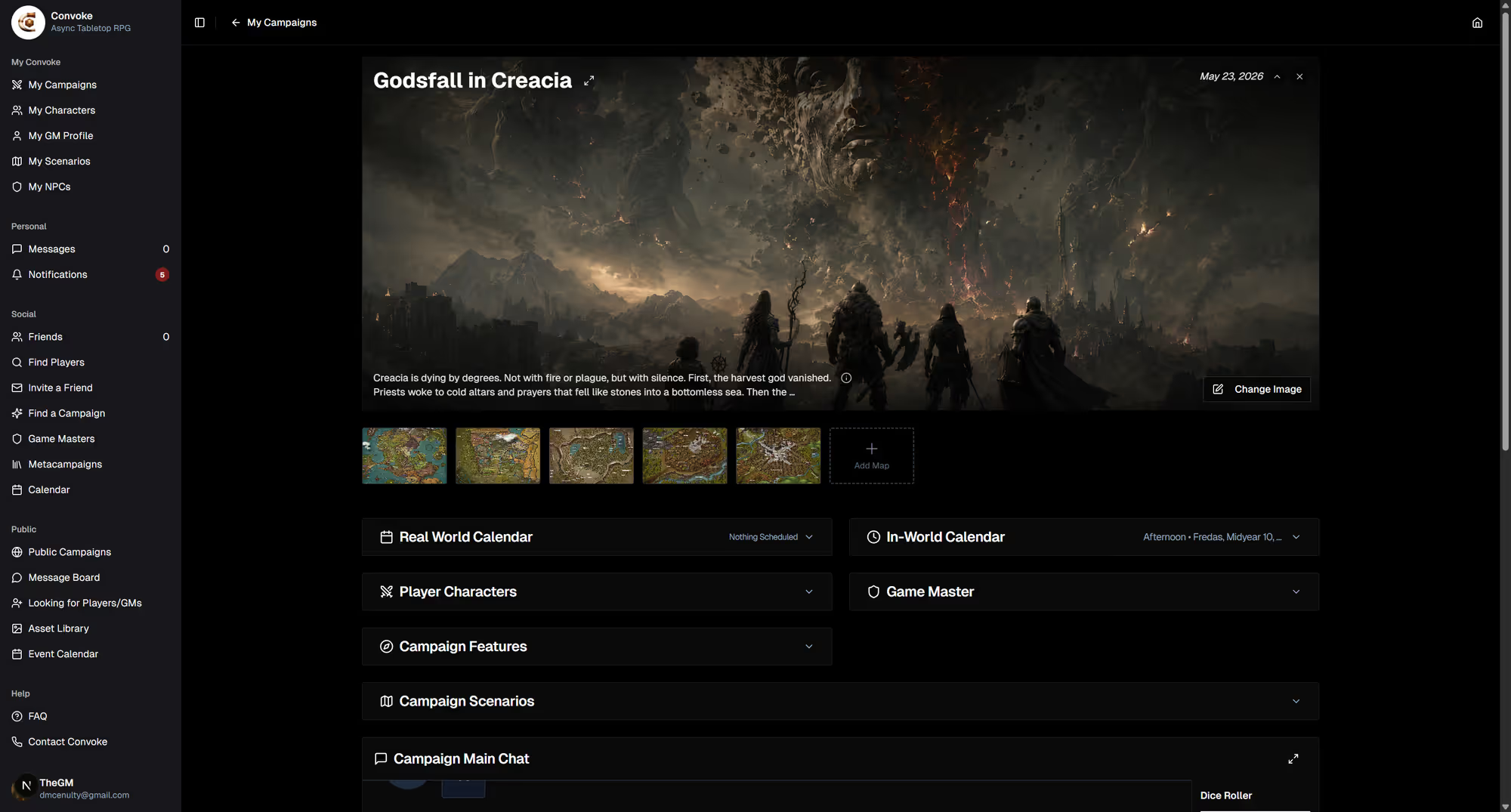
Find Your Active Scenario
Navigate to your campaign and look for the Campaign Scenarios section. Active scenarios will be highlighted. Click on a scenario to open it and see the story, chat, and any pending actions.
Step 2
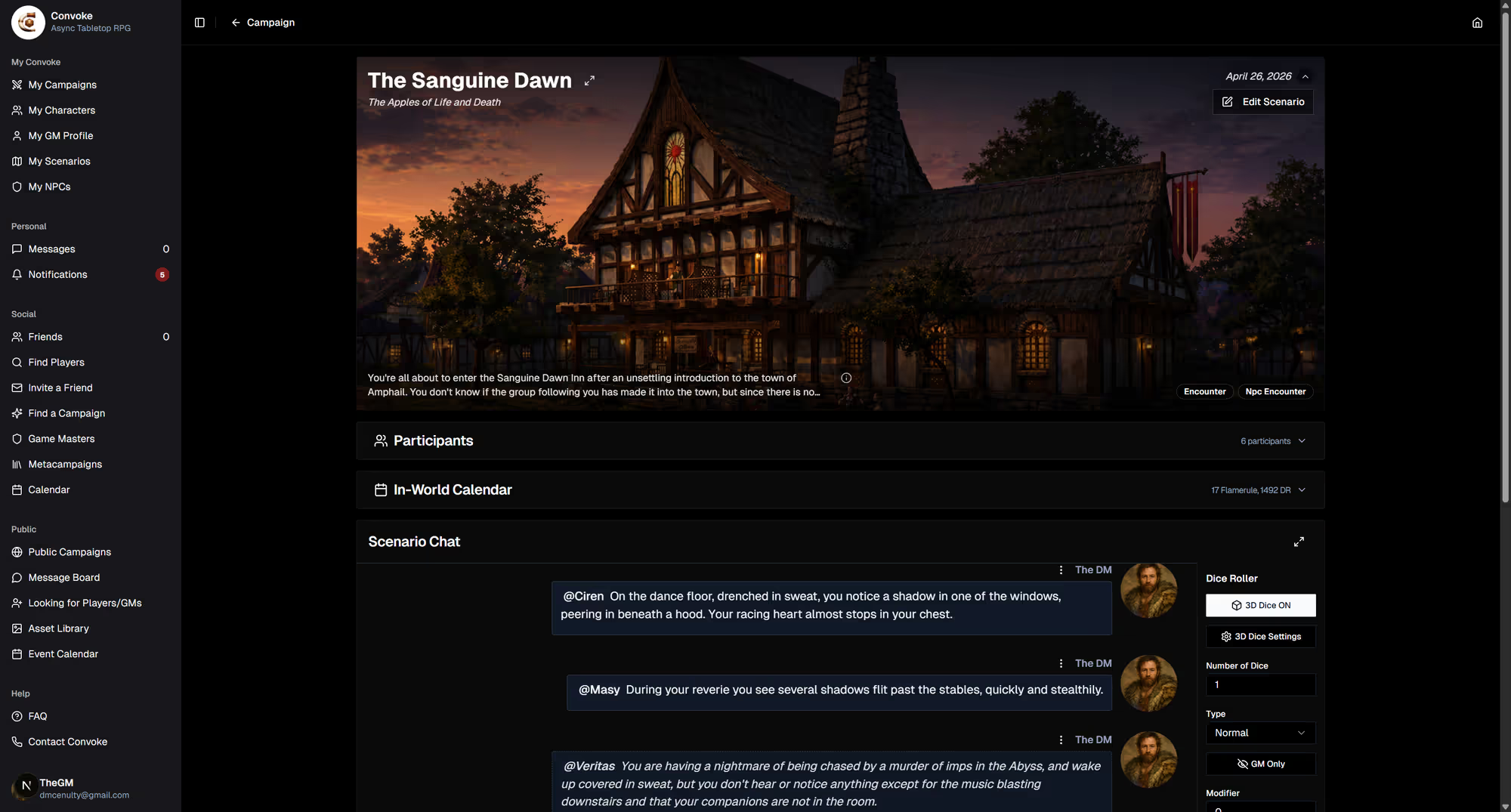
Interact with the Story
Use the scenario's chat to respond to the GM's prompts, describe your actions, speak in character, and interact with other players and NPCs. The async nature of Convoke means you can take your time crafting thoughtful responses — no rushing!
Step 3
Respond to Dice Rolls & Checks
When the GM requests a skill check, saving throw, or attack roll, you'll see it in the chat and get a notification. Use the dice roller to make your roll, and the result will be posted automatically. The GM decides what happens next based on your roll!